The Ultimate Guide to the Best Budgeting Apps: Master Your Money and Build Wealth
For decades, managing personal finances meant sitting at a kitchen table on a Sunday afternoon, surrounded by paper bank statements, a calculator, and a complex grid of spreadsheet cells. It was a tedious, anxiety-inducing process that caused millions of people to simply give up on tracking their money altogether. They operated on financial guesswork, checking their bank balances and simply hoping there was enough left over to cover the bills.
Today, that manual, exhausting process is entirely obsolete. We are living in a golden era of financial technology. Modern budgeting applications link directly to your financial institutions, automatically categorizing your transactions, tracking your net worth, and providing real-time data on your smartphone. These tools act as a financial GPS; they tell you exactly where your money is going before it accidentally disappears.
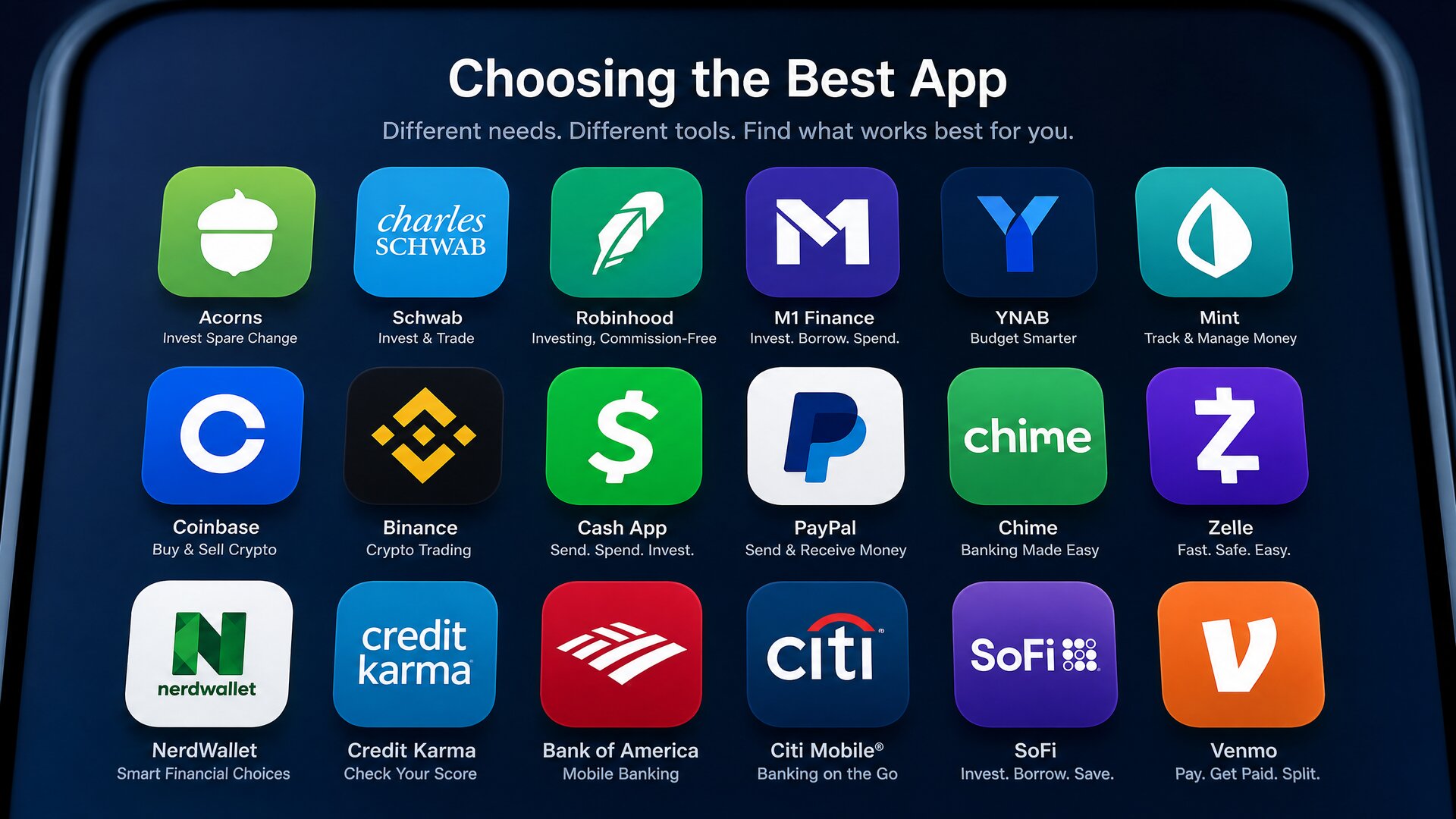
However, the app stores are currently flooded with thousands of expense trackers and financial dashboards. Choosing the wrong one can lead to frustration and abandoned financial goals. The secret to success is not finding the “perfect” app, but finding the app that perfectly aligns with your specific psychological relationship with money.
Whether you are aggressively paying down high-interest debt, trying to merge finances with a spouse, or looking for an automated dashboard to track your growing investment portfolio, this comprehensive guide will break down the absolute best budgeting apps on the market today.
1. Understanding Budgeting Philosophies: What is Your Style?
Before downloading an application, you must identify your budgeting methodology. An app is simply a digital tool built around a specific financial philosophy. If your personal style does not match the app’s underlying algorithm, you will inevitably delete it within a week.
Zero-Based Budgeting (The Aggressive Planner)
This philosophy requires you to “give every dollar a job.” When your paycheck hits your account, you allocate 100% of that money to specific categories (rent, groceries, debt, savings) until your unallocated balance is exactly zero. You are not allowed to spend money you do not currently have. This is a highly proactive, hands-on approach perfect for people who want strict control and are aggressively fighting debt.
Cash Flow Tracking (The Automated Observer)
This style is for individuals who already have healthy financial habits and simply want a high-level overview of their spending. These apps automatically pull your transactions and categorize them into pie charts. You set loose targets (e.g., “$500 a month for dining out”) and the app notifies you if you are trending over your limit. It requires very little daily maintenance.
The Digital Envelope System (The Cash Pacer)
Based on the old-school method of putting physical cash into paper envelopes, this system gives you a set limit for specific categories. Once the “digital envelope” for entertainment is empty, you cannot spend any more money on entertainment until the next month, unless you manually transfer funds from another envelope (like your grocery budget).
2. Top Tier Budgeting Applications: The Core Review
After analyzing market trends, user interfaces, security protocols, and feature sets, we have categorized the elite financial applications available today.
1. YNAB (You Need A Budget)
Best For: Zero-Based Budgeting and Changing Financial Habits
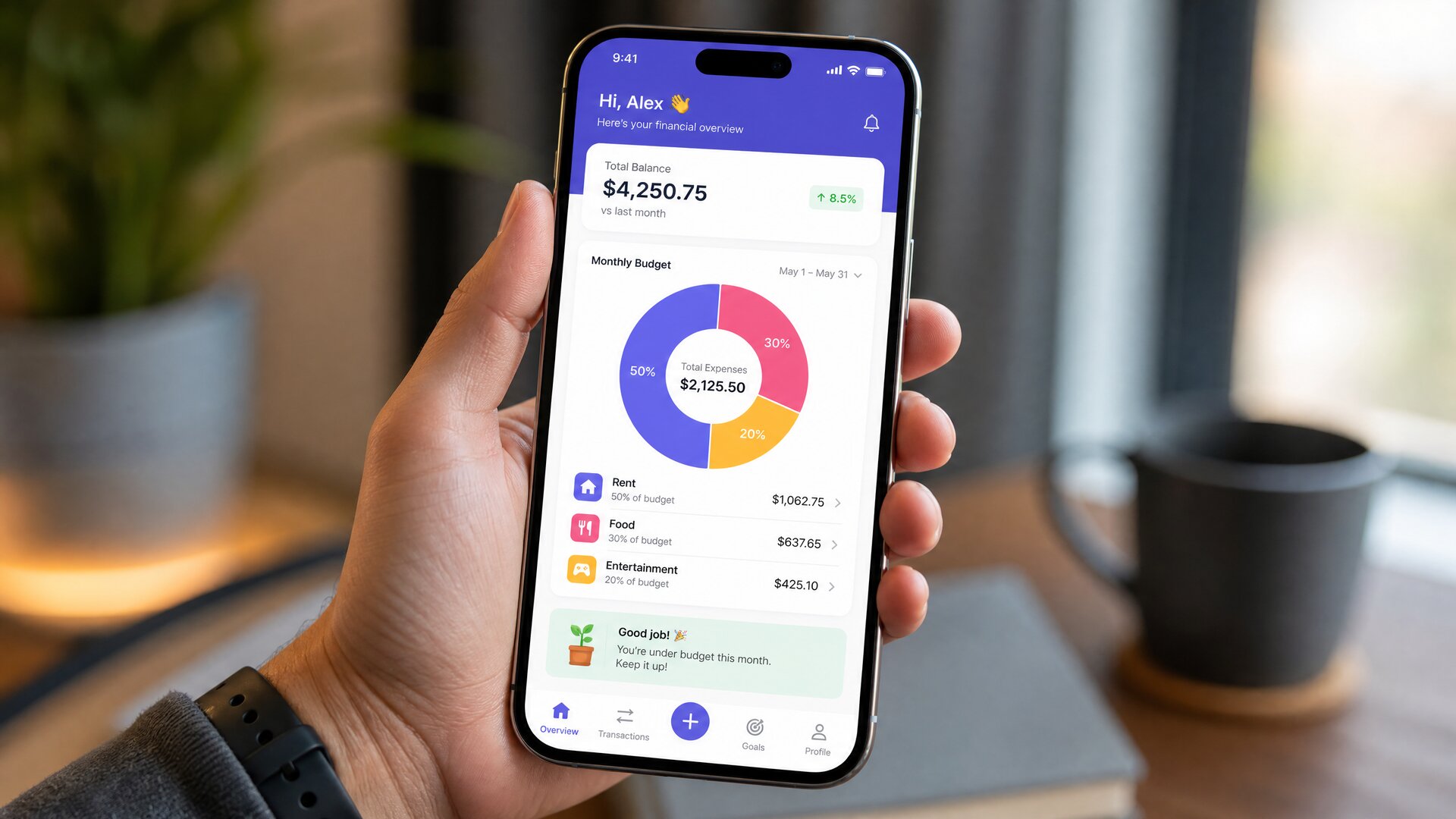
YNAB is not just a software; it is a cult-favorite financial lifestyle. It is undeniably the most powerful tool on the market for people who are trapped in the paycheck-to-paycheck cycle and want to aggressively change their financial trajectory.
Instead of looking backward at what you already spent (which is what most traditional trackers do), YNAB forces you to look forward. It operates on four strict rules, the most famous being “Give Every Dollar a Job.” When you get paid, you immediately assign that cash to digital envelopes. If you overspend in one category (e.g., you spent $100 too much on groceries), the software forces you to “Roll with the Punches” and move $100 out of another category (like clothing or dining out) to cover the deficit.
The Pros:
- Creates profound behavioral change and stops mindless spending.
- Incredible educational resources, live workshops, and customer support.
- Excellent goal-tracking mechanics for saving up for large purchases.
The Cons:
- It has a notoriously steep learning curve. It will take 2 to 3 weeks to truly understand the interface.
- It is a premium paid app with no permanent free tier.
2. Monarch Money
Best For: Comprehensive Net Worth Tracking and Couples
Following the shutdown of the widely popular Mint.com, millions of users migrated to Monarch Money, and many discovered it is a vastly superior platform. Monarch was designed by one of the original product managers of Mint, built specifically to fix the flaws of legacy financial apps.
Monarch excels as a holistic financial dashboard. It seamlessly syncs your checking accounts, credit cards, investment portfolios, crypto wallets, and even real estate values (via Zillow integration) into one stunning, modern interface. Furthermore, it is currently the best app on the market for couples. You can invite a partner to your dashboard with their own login, allowing both of you to view the household cash flow, comment on specific transactions, and build joint financial goals.

The Pros:
- The most aesthetically pleasing, modern user interface available.
- Unmatched multi-user collaboration for married couples or partners.
- Deep customization: you can create unlimited custom categories and rules.
The Cons:
- Requires a paid subscription (though they offer a generous free trial).
- Might be “too much data” for someone who just wants a simple expense tracker.
3. Copilot Money (iOS & Mac Only)
Best For: Tech-Savvy Users and AI-Driven Automation
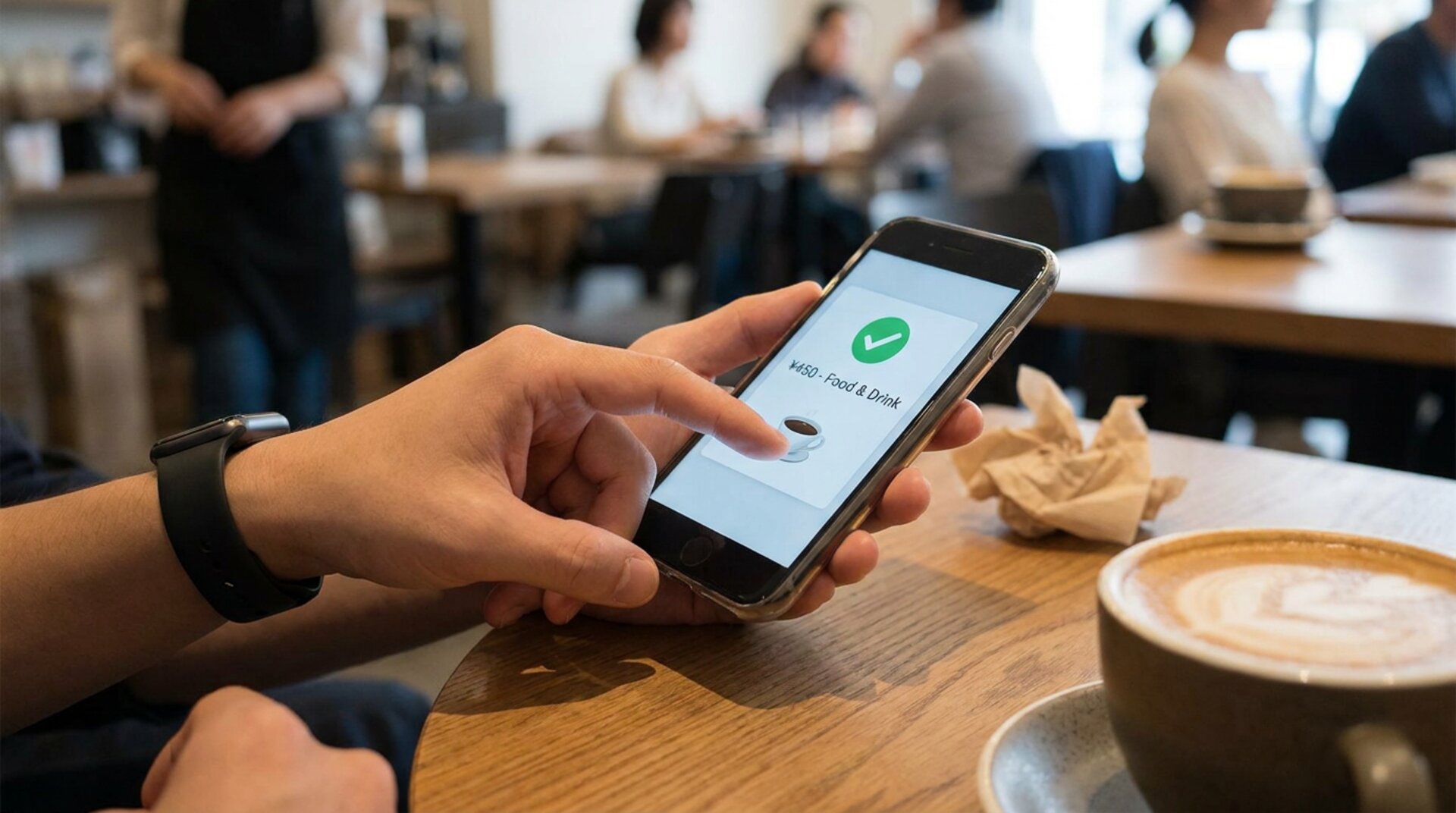
Copilot is an incredibly sleek, intelligent application that feels like it was designed by Apple. It utilizes machine learning and artificial intelligence to categorize your transactions with shocking accuracy. The more you use Copilot, the smarter it gets at predicting your recurring subscriptions and monthly bills.
Instead of rigid, unforgiving budgets, Copilot uses an adaptive system. It monitors your daily spending speed and adjusts your “safe to spend” numbers on the fly. It is highly visual, utilizing emojis and beautiful color-coded charts that make checking your finances actually enjoyable rather than stressful.
The Pros:
- Industry-leading AI categorization that learns your habits instantly.
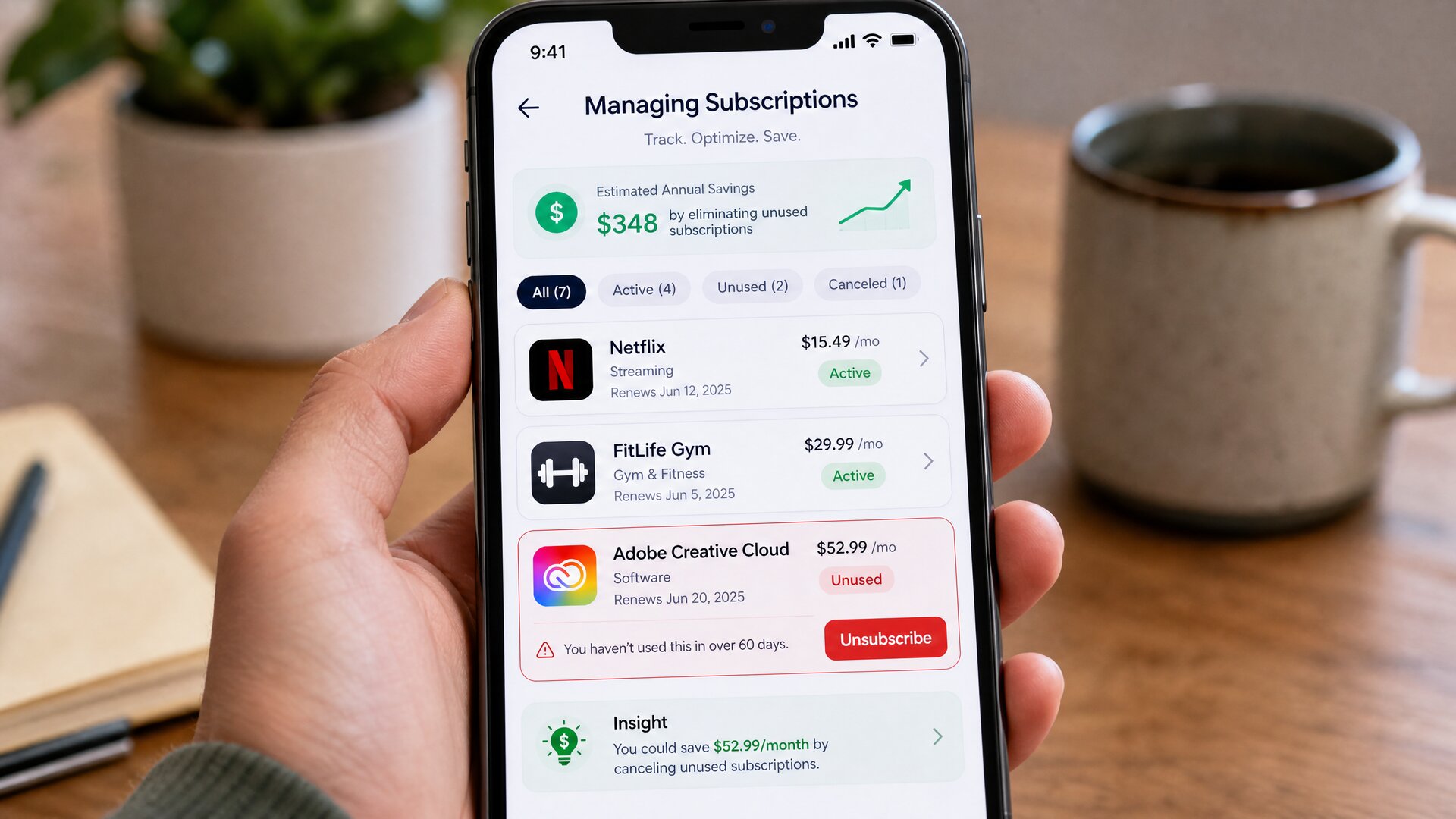
- A dedicated “Subscriptions” tab that catches sneaky, forgotten monthly charges.
- Widget integration for iPhone and Mac screens.
The Cons:
- Currently only available within the Apple ecosystem (No Android app).
- Does not support deep, manual zero-based budgeting natively.
4. Goodbudget
Best For: The Digital Envelope System and Manual Trackers
If you do not trust banking synchronization, or if you prefer the psychological weight of entering your purchases manually, Goodbudget is the undisputed champion. It digitizes the traditional “envelope system.”
You create digital envelopes for Groceries, Gas, Rent, and Fun. When you buy a coffee, you manually enter the transaction and watch the “Fun” envelope drain. Because it does not rely on automatic bank syncing (unless you upgrade to the premium tier), it forces you to remain acutely aware of every single dollar leaving your wallet. It is highly effective for college students, teenagers learning to budget, or individuals recovering from severe credit card debt.
The Pros:
- A robust free version is permanently available.
- Forces accountability through manual transaction entry.
- Excellent cross-platform syncing between partners without needing bank passwords.
The Cons:
- Manual entry requires strict daily discipline. If you forget to log expenses for a week, your budget is ruined.
- The user interface feels slightly dated compared to modern fintech apps.

5. PocketGuard
Best For: Chronic Overspenders Seeking Simplicity
Some individuals become overwhelmed by pie charts, investment trackers, and 40 different spending categories. They just want the answer to one simple question: “How much money can I safely spend today without ruining my ability to pay rent next week?”
PocketGuard answers this instantly. It connects to your bank, identifies your income, subtracts your upcoming recurring bills (like Netflix, electricity, and car payments), subtracts your savings goals, and then presents you with an “In My Pocket” number. This is the exact amount of safe, disposable cash you have left for the month, the week, or the day.
The Pros:
- Incredibly simple, intuitive concept.
- Features an active subscription cancellation tool.
- Helps negotiate lower bills directly through the app ecosystem.
The Cons:
- Not robust enough for complex wealth management or investment tracking.
- Customization options are limited in the free version.
3. Comparative Matrix: Finding Your Perfect Match
Use this rapid-reference matrix to compare the elite applications based on their primary features and intended audiences.
| Application Name | Primary Philosophy | Best Feature | Learning Curve | Ideal Target Audience |
|---|---|---|---|---|
| YNAB | Zero-Based Budgeting | Rule-based behavioral change | Steep | People serious about debt payoff. |
| Monarch Money | Holistic Cash Flow | Couples syncing & UI design | Moderate | Dual-income households & investors. |
| Copilot Money | AI Automated Tracking | Smart subscriptions & widgets | Low | iOS users wanting aesthetic automation. |
| Goodbudget | Envelope System | Manual accountability | Very Low | Students & manual-entry enthusiasts. |
| PocketGuard | Algorithmic Simplification | “In My Pocket” daily limit | Low | Overspenders needing strict daily limits. |
4. The Free vs. Paid Dilemma: Is Financial Software Worth It?
A common psychological barrier for new budgeters is the reluctance to pay a monthly or annual subscription fee for a tool designed to save them money. It feels counterintuitive. However, the era of completely free, high-quality budgeting apps is largely over.
When a financial application is entirely “free,” you are not the customer; you are the product. Free applications historically sustain their business models by harvesting your highly sensitive transaction data and selling it to third-party advertisers, or by relentlessly pushing credit card and loan advertisements onto your dashboard.
Premium, paid applications (like YNAB, Monarch, and Copilot) operate on a direct subscription model. Because you pay them a flat fee, they do not need to sell your data to survive. They offer ad-free environments, superior bank connection stability, dedicated customer support, and constant software updates.
The ROI Perspective: If a budgeting app costs $100 a year, but the software helps you identify and cancel $40 a month in forgotten subscriptions, and stops you from making $200 a month in impulse Amazon purchases, the software has generated a massive positive Return on Investment (ROI). Viewing a budgeting app as a utility bill, rather than a luxury subscription, is the correct financial mindset.
5. Security Protocols: Is It Safe to Link Your Bank?
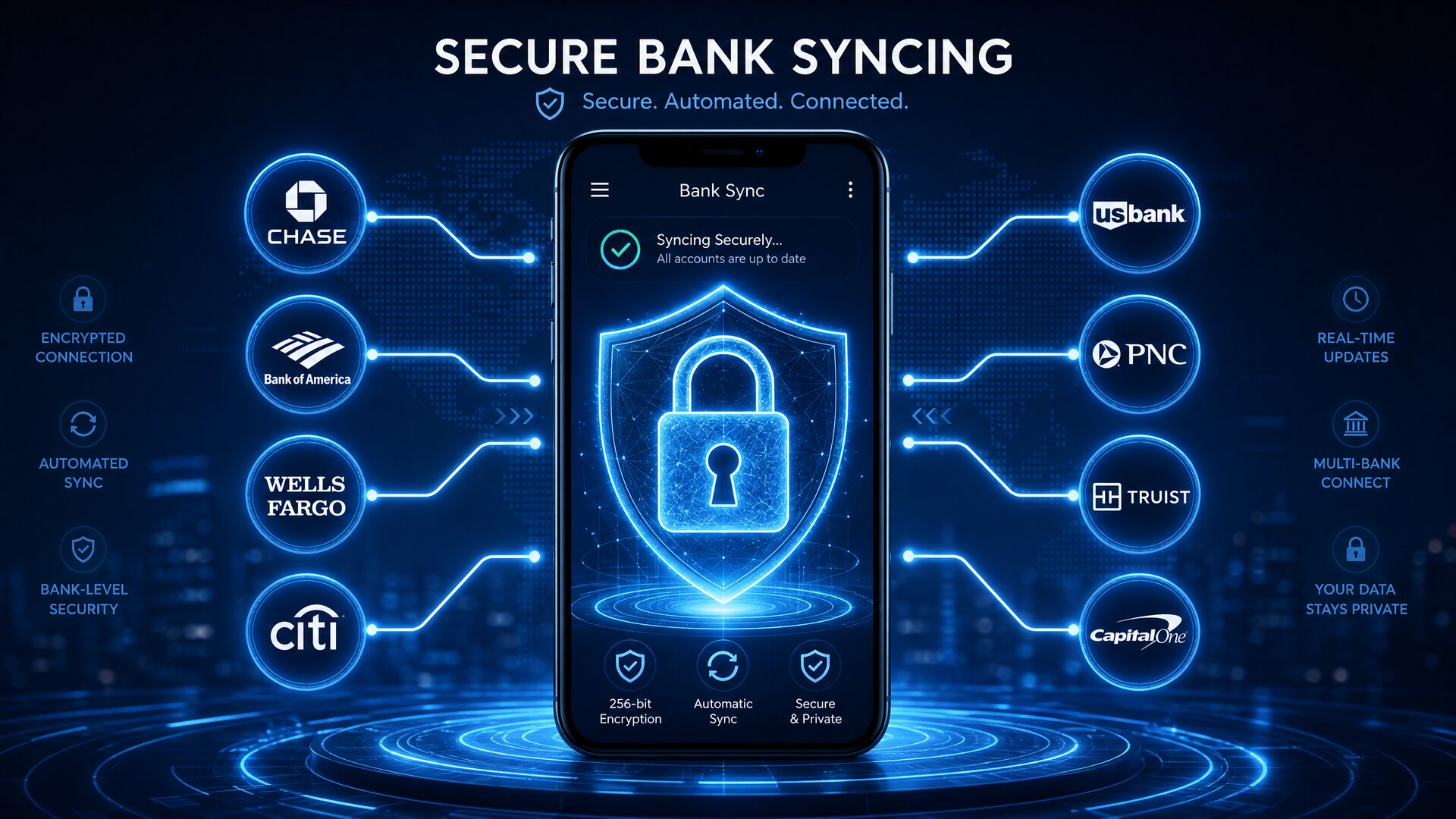
Connecting your primary checking account and investment portfolios to a third-party application on your smartphone naturally raises security concerns. Fortunately, the modern fintech industry operates under extraordinarily strict security parameters.
Top-tier budgeting applications do not directly log into your bank account. They utilize established, highly secure data aggregators—most notably Plaid, Finicity, or MX.
When you link your bank, you are logging into a secure portal provided by these aggregators. The aggregator then creates an encrypted, read-only token.
- Read-Only Access: The budgeting app can only view your transaction history and account balances. The app cannot move money, initiate transfers, or pay bills.
- Bank-Level Encryption: Your data is protected by 256-bit AES encryption, which is the same security standard utilized by the global banking system and the military.
- Blind Credentials: The budgeting app never actually sees, stores, or possesses your bank usernames or passwords.
As long as you are using a reputable, highly-rated application from the official Apple App Store or Google Play Store, the risk of a systemic financial breach is phenomenally low.
6. The 30-Day Onboarding Strategy: How to Succeed
Downloading an app is easy; building the habit is hard. The vast majority of people who fail at digital budgeting do so within the first two weeks because they become overwhelmed. Follow this 30-day strategy to ensure long-term success.
Week 1: The Observation Phase
Do not set strict, punishing limits on your first day. Sync your bank accounts and simply live your normal life. Let the app categorize your transactions. The goal of Week 1 is merely to establish a baseline of truth regarding how much you actually spend.
Week 2: The Ruthless Audit
Look at the data collected in Week 1. This is usually the “shock phase” where people realize they spend $600 a month on takeout food. Use this week to create realistic categories. Cancel subscriptions you forgot about and set baseline targets for essential categories like groceries and gas.
Week 3: Building the Routine
Turn off auto-categorization for a few days if your app allows it. Force yourself to open the app every single morning while you drink your coffee. Spend exactly 60 seconds reviewing yesterday’s transactions and approving the categories. Budgeting must become a daily micro-habit, not a massive monthly chore.
Week 4: The Forward Projection
Now that you have a month of accurate data, begin setting future goals. Create a category for an upcoming vacation, a car repair fund, or a holiday gift fund. Start allocating small amounts of money to these goals. You have now transitioned from tracking the past to engineering the future.
7. Frequently Asked Questions (FAQ)
Can I share a budgeting app with my spouse?
Yes, and it is highly recommended. Financial friction is one of the leading causes of marital stress. Using an app like Monarch Money or YNAB allows both partners to have the app on their phones, looking at the exact same numbers in real-time. It transforms financial arguments into collaborative planning sessions.
What happens if my bank disconnects from the app?
Due to multi-factor authentication (MFA) security updates at major banks, connections will occasionally drop. This is normal. The app will prompt you to re-authenticate the connection via a text message code. Once reconnected, the app will seamlessly backfill any missing transactions. You will not lose your historical data.
Can these apps handle cash transactions?
Yes. Even highly automated apps allow you to add manual transactions. If you withdraw $100 from an ATM, the app will log an “ATM Withdrawal.” When you spend $20 of that cash on lunch, you simply hit the “+” button in the app and manually log a $20 expense under the Dining category.

Do I really need an app if I am naturally frugal?
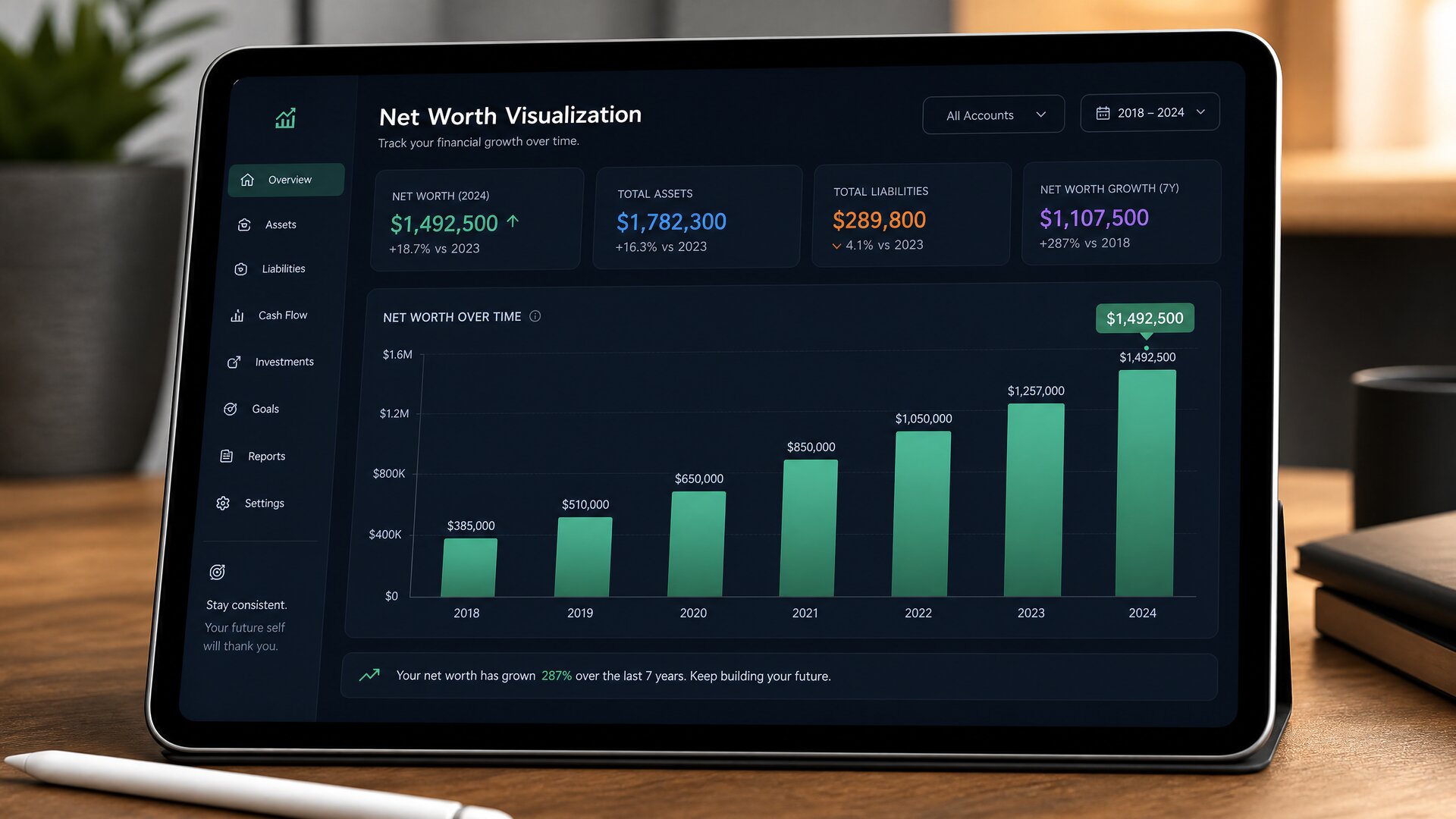
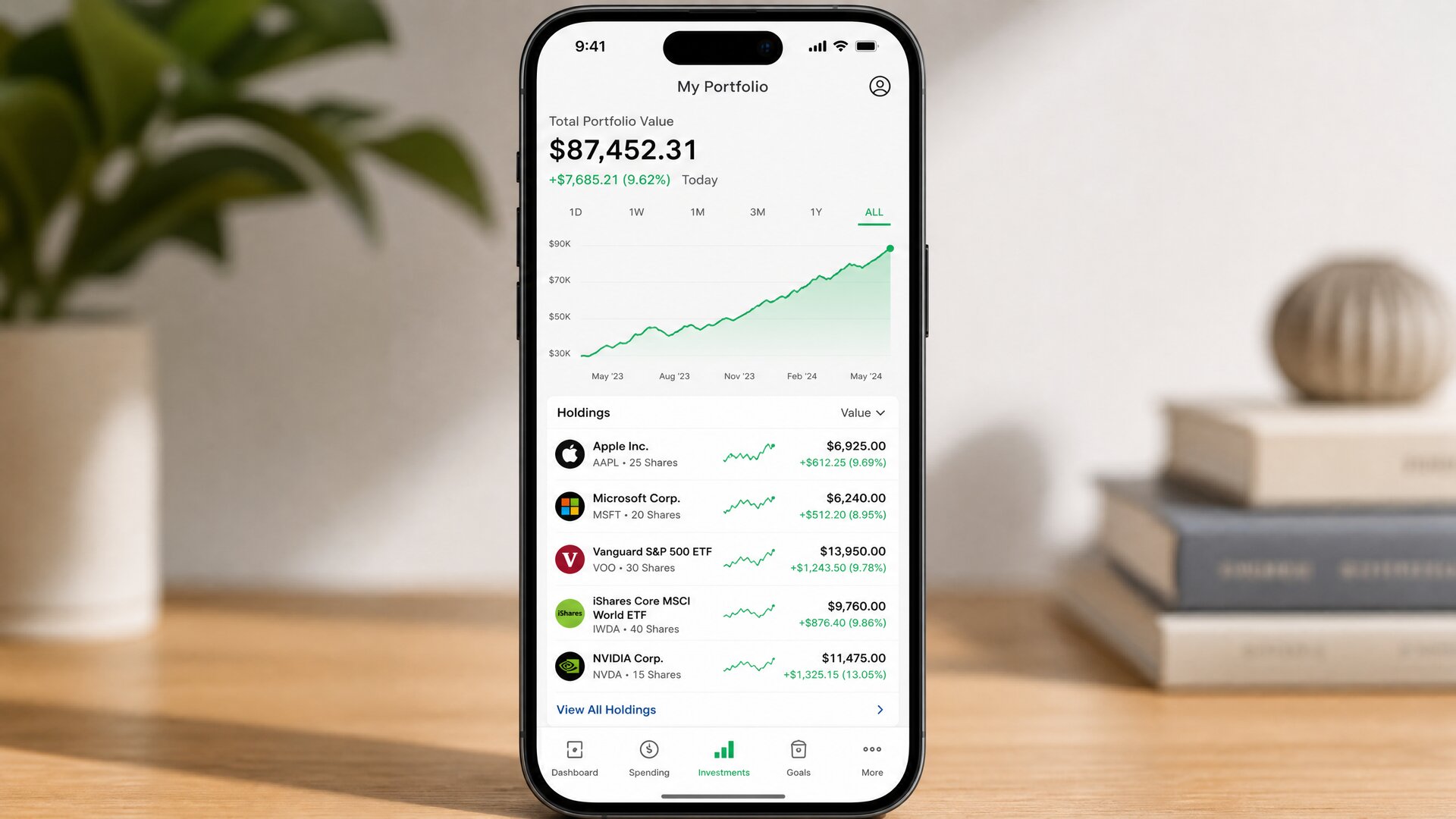
Even if you do not struggle with overspending, a modern financial app is an incredible wealth-building tool. Instead of focusing on expense reduction, you can use the app to track your total Net Worth. Watching your automated investments grow, tracking your mortgage paydown, and seeing your overall financial health improve on a beautiful, centralized dashboard is incredibly motivating.
Author’s Note: The True Value of Financial Clarity
Personal finance is 20% head knowledge and 80% behavior. You can read every financial book in the world, but if you do not have a system to govern your daily behavior, you will continue to drift financially.
Operating without a budget is like driving a car at night with your headlights turned off; you are constantly reacting to unexpected bumps and operating in a state of low-level panic. A budgeting app turns the headlights on. It does not restrict your freedom; it buys your freedom. It gives you the permission to spend money guilt-free because you know exactly how that purchase fits into your overarching life plan.
Do not allow the setup process to intimidate you. Choose the application from this list that best matches your personality, link your primary accounts, and commit to checking it for just two minutes every single day. That tiny daily habit will compound over time, transforming a source of stress into your most powerful tool for building generational wealth.