The Best Productivity Apps for Remote Workers and Freelancers in 2026
The “Work From Home” shift that began as a temporary response to global disruption has solidified into the permanent architecture of the modern economy. For freelancers, consultants, and remote employees, the office is no longer a physical location defined by cubicles; it is a digital ecosystem defined by connectivity, software, and self-discipline.
In 2026, the challenge for the remote professional is no longer how to work remotely, but how to maintain high-impact output without the natural boundaries of a traditional workspace. We are living in the age of “Productivity Porn”—a state where professionals spend more time setting up complex systems and tweaking software than actually producing high-value work.
To be a successful remote worker in 2026, you must stop viewing productivity apps as toys and start viewing them as your Digital Infrastructure. This guide will move beyond the hype and analyze the high-ROI tools that actually move the needle, focusing on task management, deep work optimization, AI-integrated workflows, and the psychological traps of gadget bloat.
1. The Productivity Paradigm: ROI on Your Time
For a freelancer or remote worker, time is not just money; it is your inventory. If you are an accountant, a developer, or a writer, your hourly rate is your price. Every hour lost to “context switching” (jumping between Slack, email, and task lists) is an hour of lost revenue.
The modern “Productivity Stack” should follow the principle of Minimalist Optimization:
- Task Capture: Getting information out of your head and into a trusted system.
- Deep Work: Creating environments that protect your focus from digital noise.
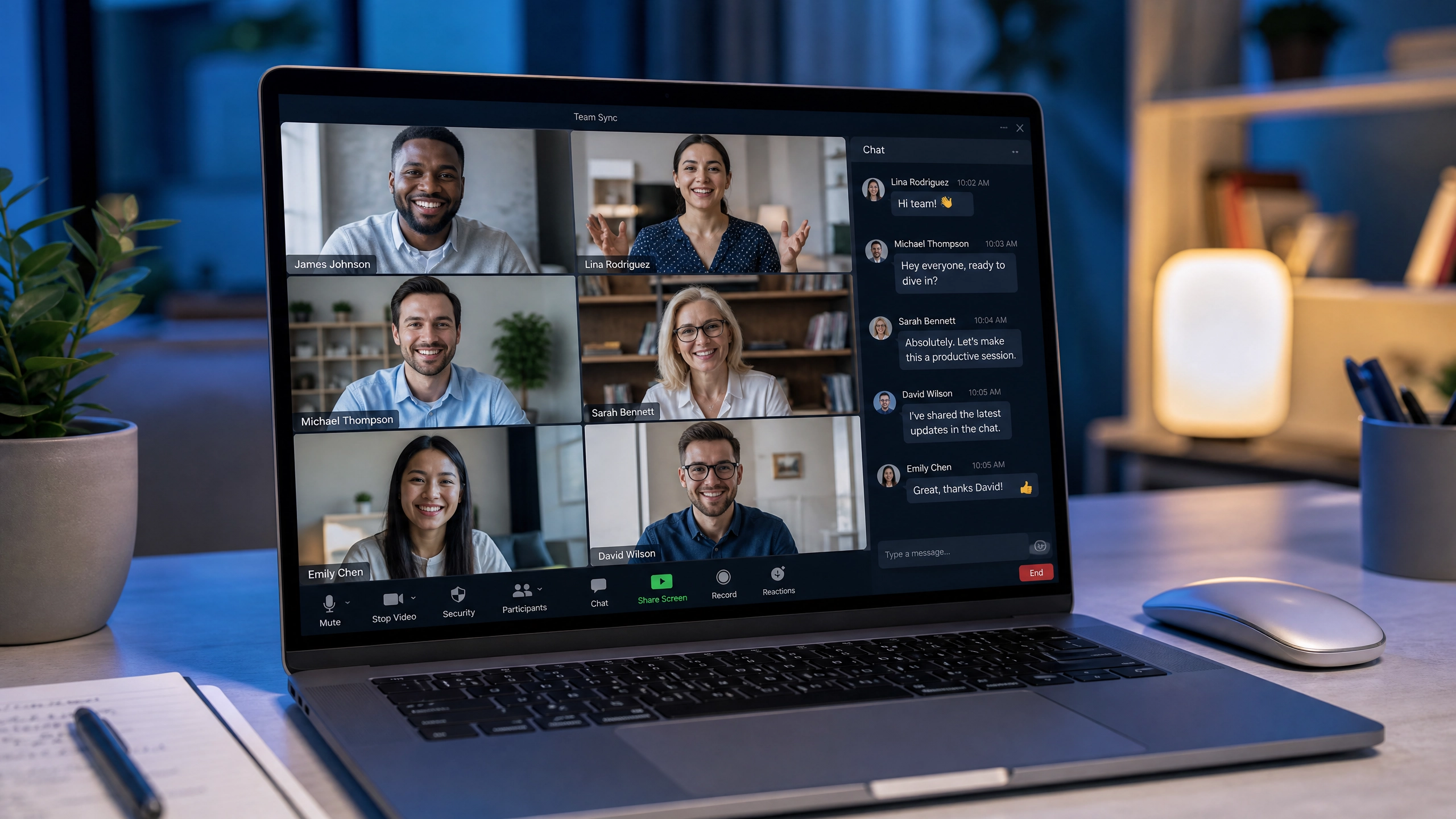
- Collaboration: Reducing the friction of digital communication.
- AI-Assisted Workflow: Offloading cognitive drudgery to neural networks.
2. Task and Project Management: The Foundation of Execution
If it isn’t in your system, it doesn’t exist. You need a “Single Source of Truth.”
Notion: The Operating System for Life
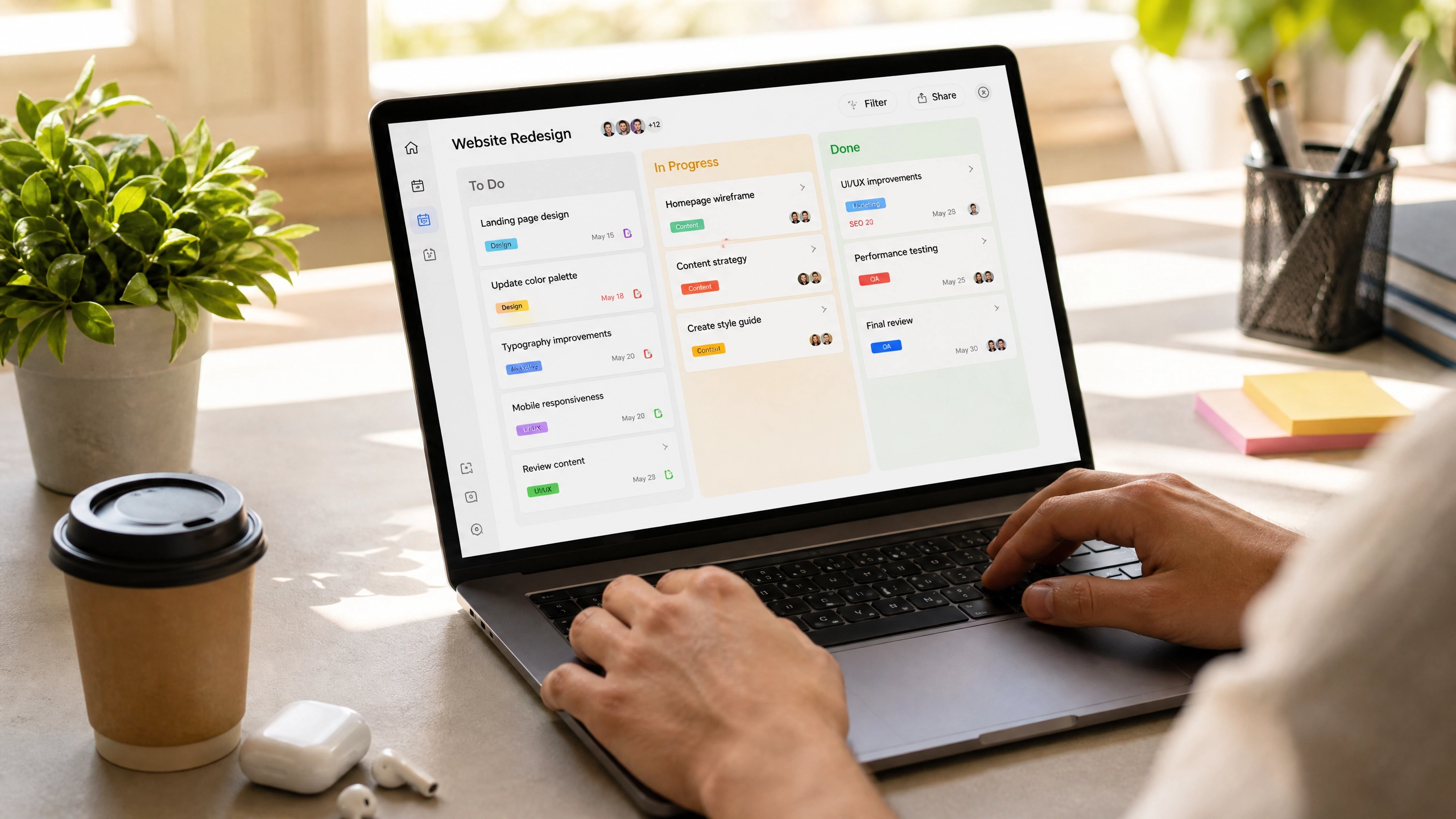
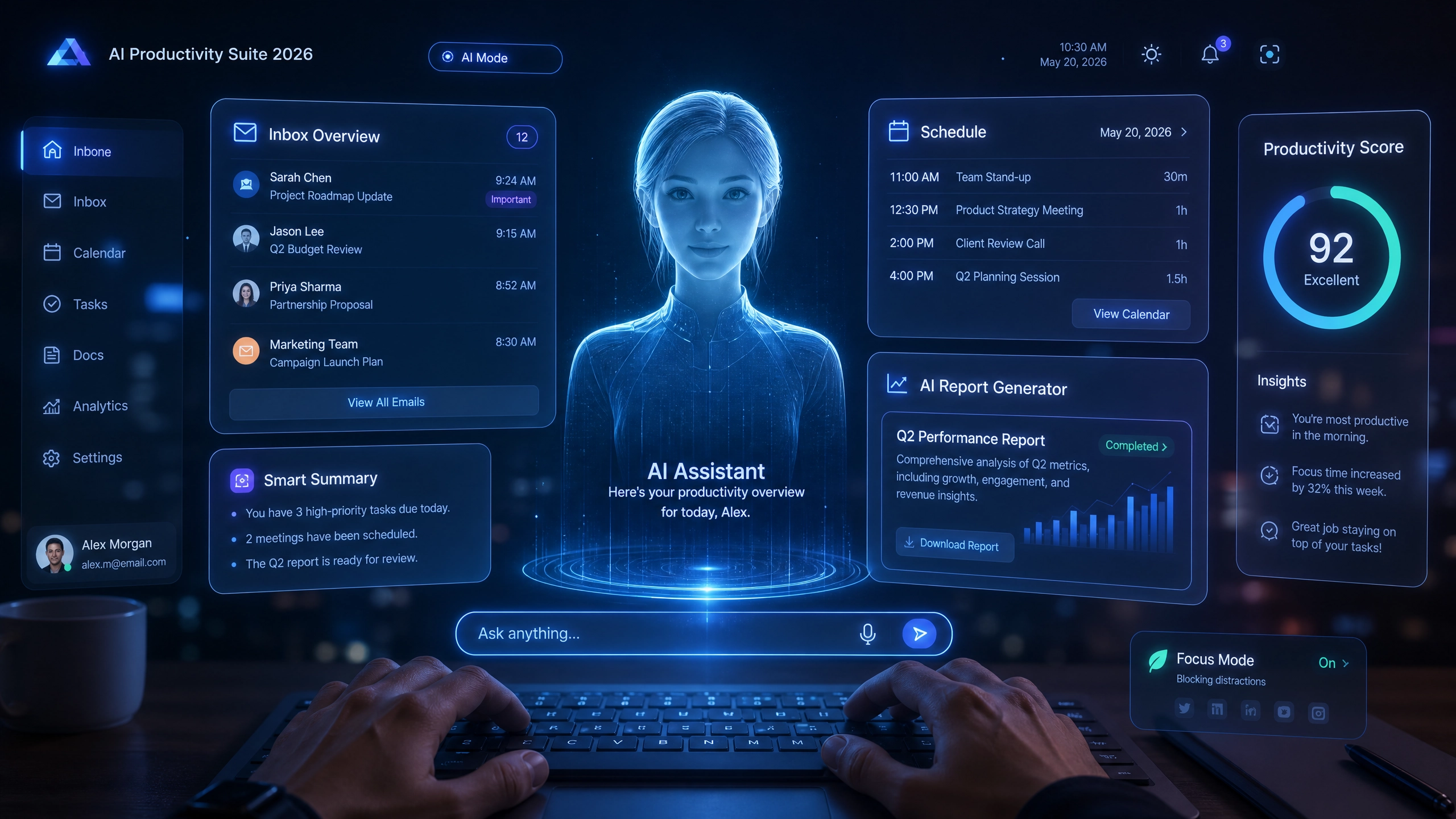
Notion has evolved beyond a simple note-taking app into a full-scale operating system. Its power lies in its Database functionality. You can build a Kanban board for your projects, a linked database for your clients, and a document library for your SOPs (Standard Operating Procedures) in one place.
- Why it works in 2026: Its integration with AI allows you to instantly summarize project notes or draft client emails directly within your workspace, drastically reducing context switching.
Todoist: The King of Task Velocity
Todoist remains the undisputed champion for speed. If you need to capture a task in less than two seconds, Todoist is the answer. Its “Natural Language Processing” is still the best in class—you type “Review contract on Friday at 4pm” and it automatically schedules it.
- Why it works in 2026: Its “Karma” tracking and productivity visualization features help freelancers gamify their daily output, making the grind of client work feel more structured.
Trello: The Visual Workflow
For those who are visual thinkers, Trello’s Kanban board (Columns: To-Do, In Progress, Review, Done) is still the most intuitive way to see a project’s lifecycle. It is perfect for freelancers who manage recurring projects for multiple clients simultaneously.
3. Deep Work and Focus: Protecting Your Inventory
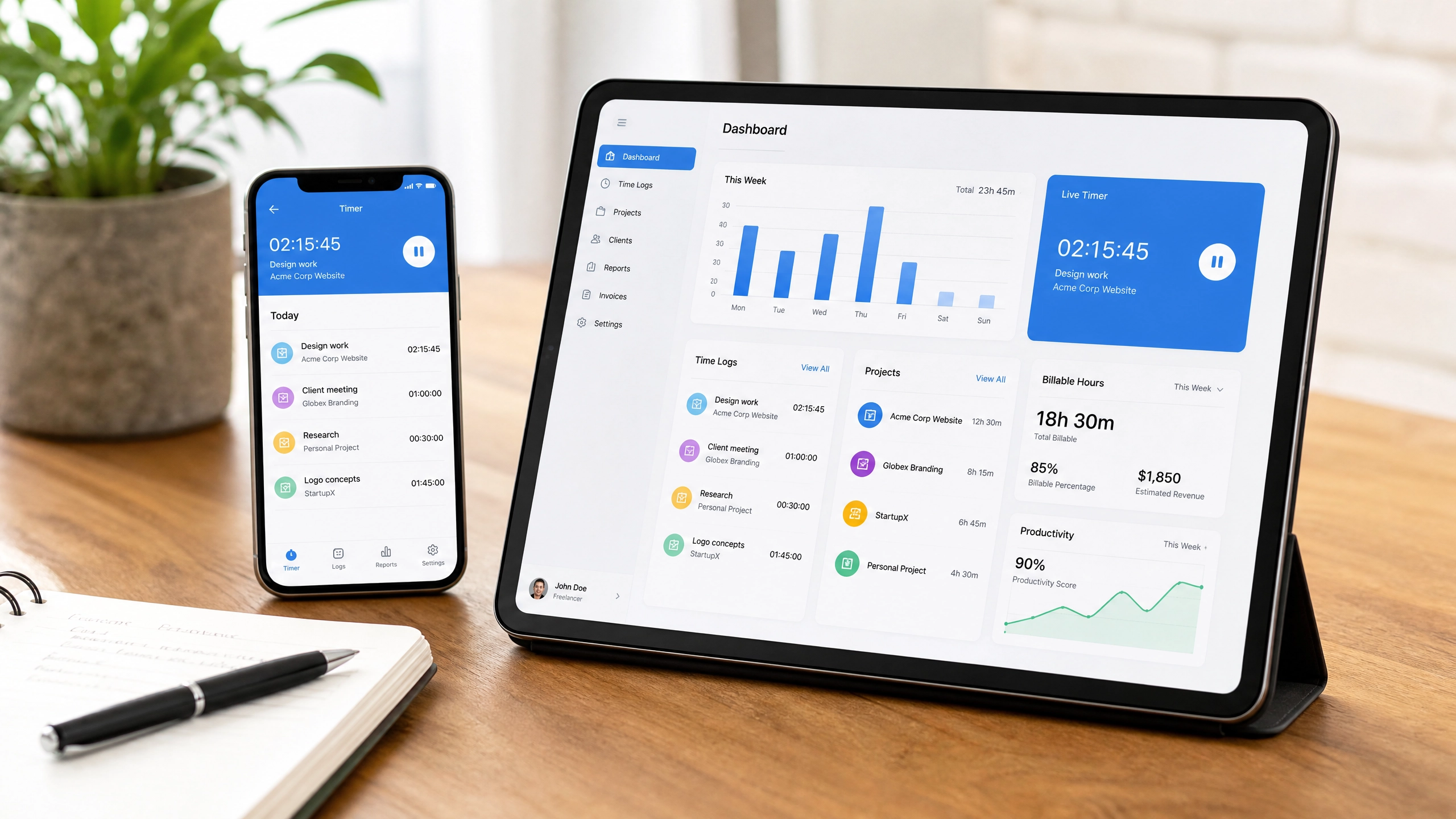
In 2026, the ability to focus for 90 minutes without checking a notification is the ultimate professional superpower.
Forest: Gamifying Focus
Forest turns the act of putting your phone down into a game. You set a timer, and if you leave the app, your digital tree dies. It sounds simple, but the psychological desire to grow a digital forest is a powerful deterrent against mindless social media scrolling during work hours.
Freedom: The Nuclear Option
If willpower fails, use Freedom. This app blocks the entire internet, or specific distracting sites (Twitter, YouTube, News), across all your devices—laptop, tablet, and phone—at the same time. You can schedule “Focus Blocks” where it is physically impossible to access non-work sites. It is the ultimate tool for the “nuclear” approach to deep work.
Obsidian: The Personal Knowledge Base
For researchers, writers, and consultants, Obsidian is a revolution. It allows you to create a “Second Brain” of interconnected notes using “links.” Unlike standard folders, Obsidian links ideas together, helping you synthesize research and draft complex documents faster than any other tool.
4. The AI Workflow Revolution
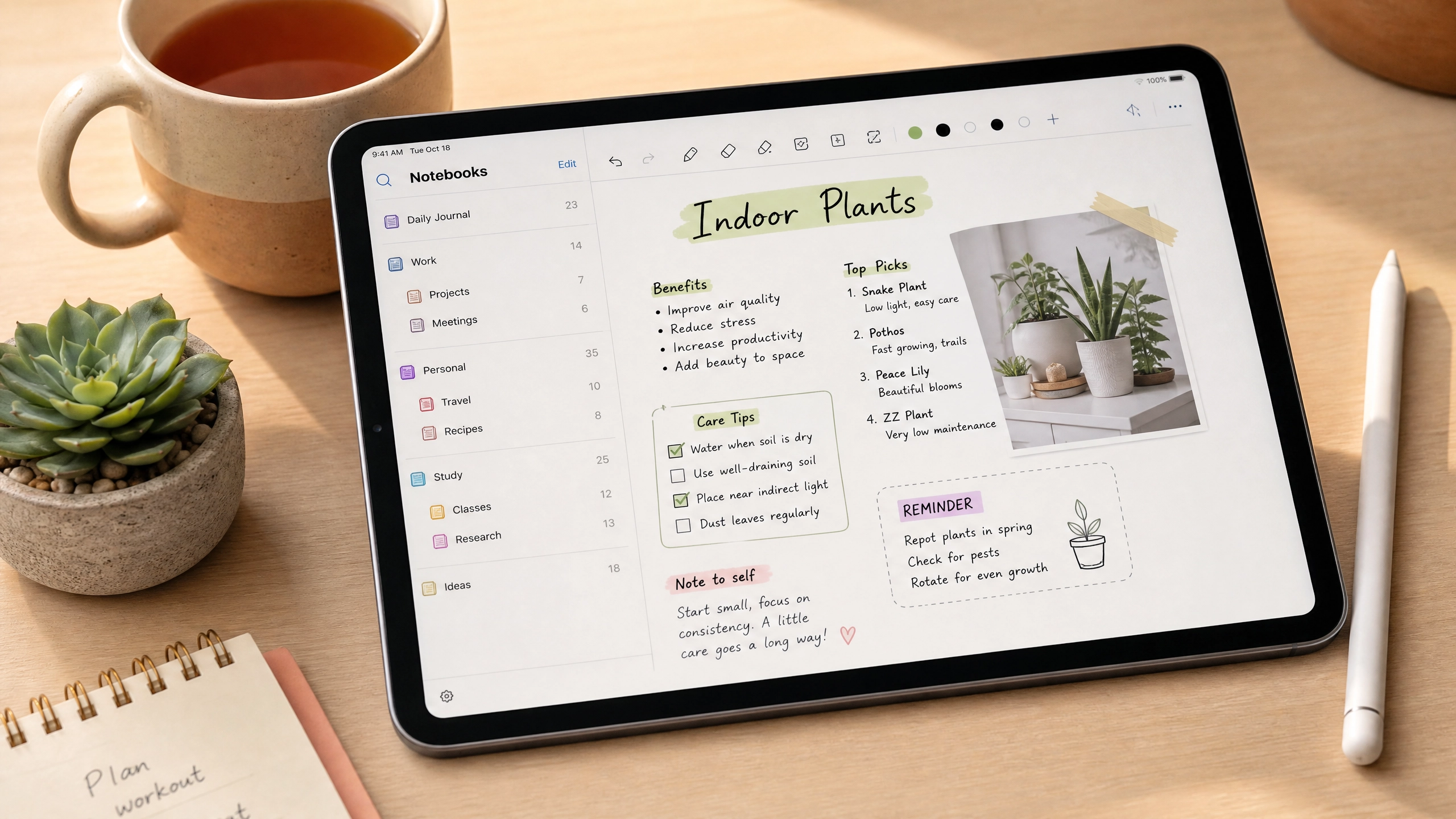
In 2026, you shouldn’t be writing cold emails from scratch or manually cleaning up meeting transcripts.
AI Assistants (ChatGPT/Claude/Gemini)
These are not just for generating content; they are for “Workflow Architecture.”
- The Freelancer Strategy: Use AI to draft the outline of your proposals, to summarize lengthy client feedback, and to proofread your deliverables. It should act as an entry-level assistant, not the creator.
Otter.ai or Fireflies.ai
If your work involves Zoom or Teams calls, you are likely losing hours in transcription and meeting follow-ups. These tools record your meetings, provide a verbatim transcript, and—crucially—generate a bulleted “Action Items” list and summary sent to your email immediately after the call. It saves you from the “did we agree on X?” post-meeting anxiety.
5. Comparative Matrix: The 2026 Productivity Stack
Use this matrix to determine which tool fits your specific workflow needs.
| App Category | Top Recommendation | Best For | Learning Curve |
|---|---|---|---|
| Task Management | Todoist | Speed & Daily Capture | Low |
| Knowledge Base | Notion | Project complexity & DBs | Moderate |
| Deep Work | Freedom | Total digital blocking | Low |
| Collaboration | Slack | Immediate communication | Low |
| AI Assistant | Claude/ChatGPT | Strategy & Drafting | Moderate |
| Notes/Synthesis | Obsidian | Researchers & Strategists | High |
6. The Trap: Avoiding “Productivity Porn”
There is a dark side to these apps. We often suffer from “Tool Acquisition Syndrome”—the belief that if we buy a $20/month subscription to a new productivity tool, our work output will magically double.
The Golden Rules to avoid productivity traps:
- The 3-App Rule: If you cannot manage your workflow with three core tools (one for tasks, one for notes, one for communication), adding a fourth will only increase your complexity, not your output.
- Maintenance Ceiling: If you spend more than 15 minutes a week “maintaining” your productivity system, you are over-engineering it. Your productivity system should be invisible.
- The “Output First” Test: Before adding a new tool, ask: “Will this specifically help me produce more client work, or is it just a better-looking container?”
7. FAQ
Can I run a freelance business entirely from my smartphone?
While you can manage communication and small tasks from a phone, high-value work (coding, design, drafting, strategy) requires the screen real estate of a laptop. Use your phone for capture and communication; use your laptop for execution.
How do I stop getting overwhelmed by notifications?
Turn them all off. Seriously. The only notifications you should see on your work computer are calendar reminders. Everything else (Slack, Email, News) should be accessed only when you choose to open the app, not when it chooses to ping you.
Are these paid subscriptions worth the ROI?
If you are a freelancer charging $50+/hour, one hour of saved time per month pays for the majority of these subscriptions. If a tool saves you 3 hours a month, it has already tripled your investment. Calculate your hourly rate and treat your software budget as a business investment, not a household expense.

Author’s Note: Focus is the New Currency
In 2026, information is abundant, but attention is scarce. The apps listed above are powerful, but they are ultimately just levers. A lever only amplifies the force you put into it. If you are disorganized and undisciplined, these tools will simply help you be disorganized and undisciplined more efficiently.
Build a simple stack, master it until it becomes second nature, and then get back to the work that actually generates revenue. Do not let your productivity system become an expensive hobby. The goal of a digital workspace is to get out of the way so you can do your best work.