SIM-Swap Fraud Explained: How to Protect Your Financial Accounts
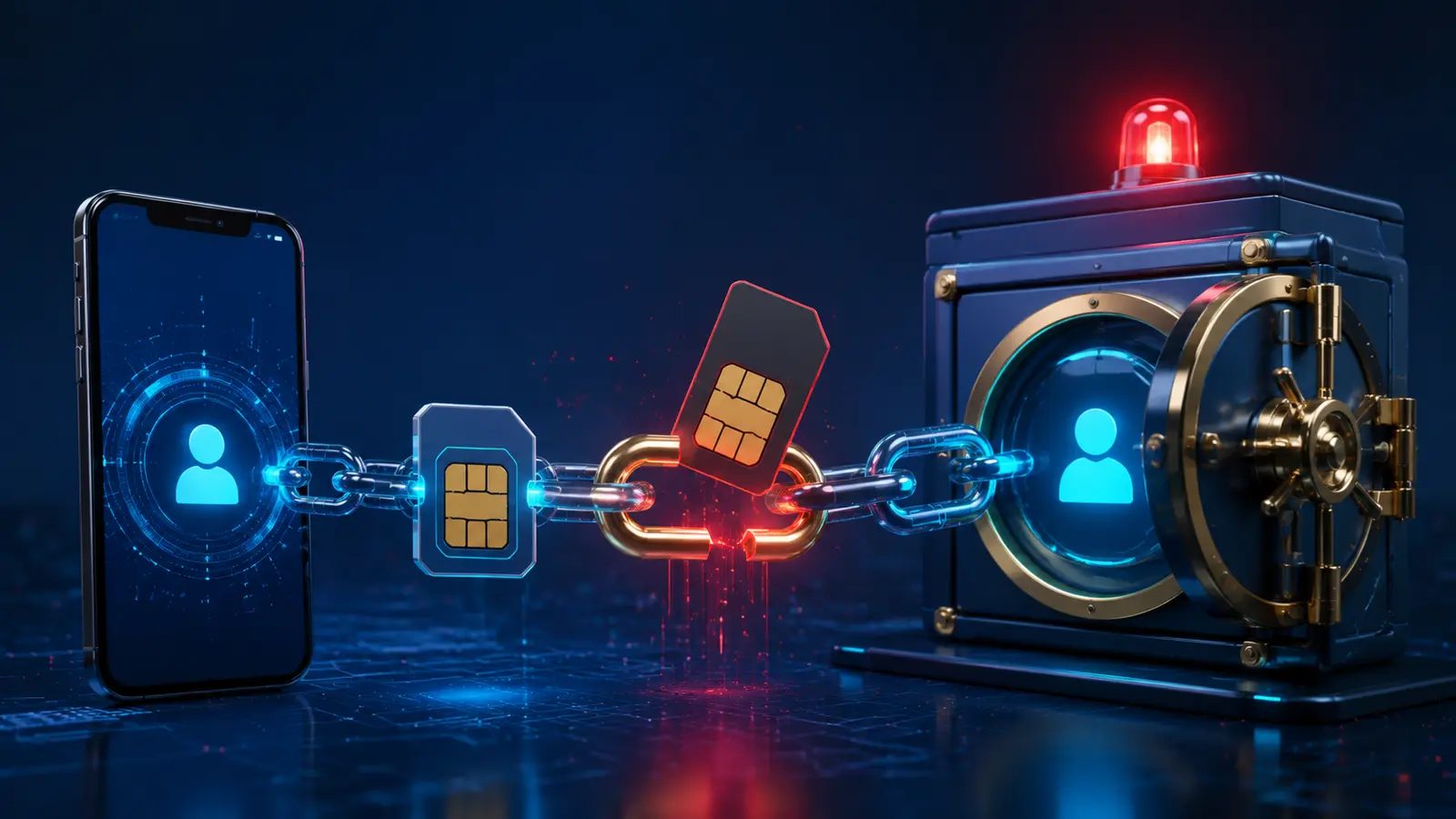
SIM-swap fraud happens when a criminal convinces or manipulates a wireless provider into moving a victim’s phone number to a SIM card, eSIM, or device controlled by the criminal. Port-out fraud moves the number to another carrier. The attacker may then receive calls and text messages intended for the victim, including account-recovery and verification codes.
The Federal Communications Commission treats SIM swapping and port-out fraud as serious consumer privacy threats. Updated FCC rules require wireless providers to use secure authentication methods and notify customers about SIM-change and port-out requests. Provider protections help, but consumers still need layers that do not depend entirely on a phone number.

Why a Phone Number Is a Valuable Target
Phone numbers are widely used for password resets, text-message authentication, bank alerts, email recovery, social accounts, payment apps, and customer-service identity checks. Control of the number can therefore become a bridge to more valuable accounts, especially when an attacker already has personal information from phishing, data breaches, public profiles, or stolen mail.
A SIM swap does not automatically reveal every password, but it can weaken recovery systems built around SMS. The most damaging attacks combine phone takeover with compromised email, reused passwords, weak carrier verification, and rushed support procedures. Defense should address the whole recovery chain rather than one device setting.

Warning Signs of a Possible SIM Swap
- The phone suddenly loses calls, texts, and mobile data without a known outage.
- A carrier notice reports a SIM, eSIM, device, PIN, or port request you did not make.
- Password-reset or login alerts arrive for email, banking, or social accounts.
- Contacts receive unusual messages that appear to come from you.
- An account password, recovery email, or multi-factor method changes unexpectedly.
- The carrier account becomes inaccessible.
- Financial alerts show transfers, purchases, or new payees you do not recognize.
Loss of mobile service alone can have an ordinary explanation. Treat it as urgent when it appears with account alerts or when another trusted phone on the same network continues working normally.
Strengthen the Wireless Account
Use a unique password for the carrier account and enable the strongest authentication the provider supports. Set a separate account PIN or passcode that is not based on a birthday, address, or repeated number. Ask whether the carrier offers number lock, port-out protection, SIM-change restrictions, or an in-store identity requirement.
Protect the carrier email account as carefully as the wireless login. Remove former authorized users, review security questions, and limit personal details that make impersonation easier. A carrier protection is valuable, but its name and procedure can change, so verify current options directly with the provider.
Move Beyond SMS Where Possible
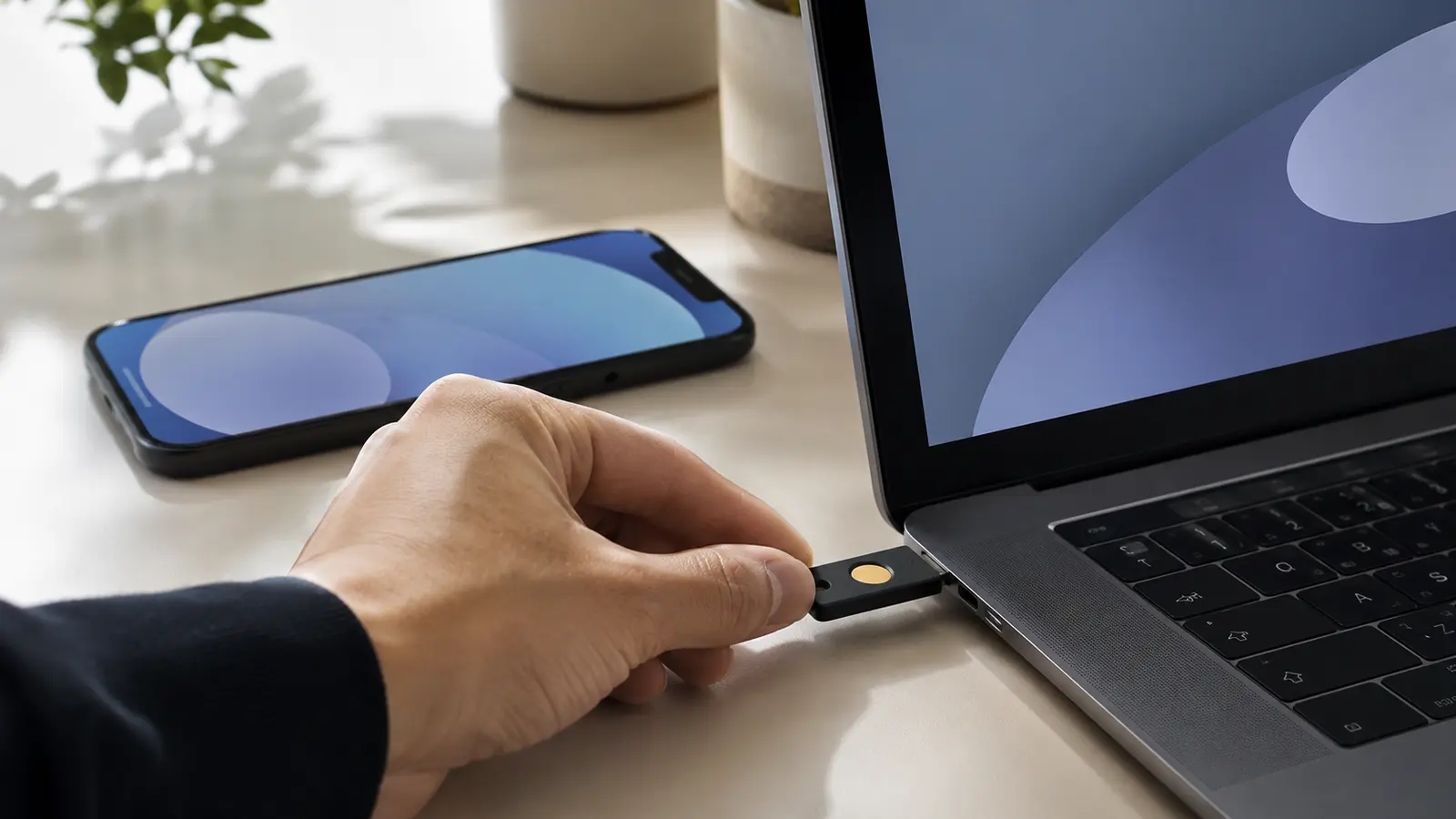
SMS authentication is better than no second factor in many situations, but it depends on the phone number. Where supported, consider passkeys, hardware security keys, or authenticator applications that are not automatically transferred with a mobile number. Keep recovery methods current and protected.
No method is perfect. Authenticator backups can be lost, security keys require careful storage, and passkey recovery depends on the account ecosystem. Use two registered security keys for critical accounts when appropriate, store recovery codes offline, and test account recovery before an emergency. ChirBlog’s passkeys guide provides additional context.
Secure Email Before Everything Else
Email often controls password resets for the carrier, bank, cloud storage, and social accounts. Give the primary email a unique long password, strong non-SMS authentication, updated recovery details, login alerts, and a review of active sessions and forwarding rules.
Consider a separate email address used only for sensitive accounts and never posted publicly. This does not guarantee safety, but it reduces exposure. Do not reuse the email password anywhere. A password manager can create and store unique credentials while reducing the need to memorize them.
Add Financial Account Controls
Enable alerts for logins, password changes, new payees, transfers, withdrawals, purchases, and profile changes. Review whether the institution supports an authenticator, passkey, security key, voice passphrase, or other verification method that does not rely only on SMS.
Set reasonable transfer limits where available and keep emergency contact instructions outside the compromised phone. Avoid storing complete account identifiers or recovery codes in an unprotected notes app. ChirBlog’s guide to financial-app cybersecurity explains additional defensive habits.
What to Do If Service Suddenly Stops
- Use another trusted phone or device to contact the carrier’s official fraud department.
- State that the number may have been moved without authorization and request an immediate account restriction.
- From a clean trusted device, secure the primary email account and sign out unknown sessions.
- Contact financial institutions through official numbers and lock affected access or transactions.
- Change compromised passwords and recovery methods, starting with email and the carrier.
- Preserve carrier notices, account alerts, timestamps, case numbers, and transaction records.
- Review other accounts that used the phone number for authentication or recovery.
- Report unauthorized financial activity through the institution’s formal process.
Do not use links in unexpected messages to “restore” service. Attackers may combine a SIM swap with phishing. Navigate through official applications, bookmarked sites, or verified numbers printed on statements and cards.

Recovery After the Number Is Restored
Regaining service is only the first step. Ask the carrier what changed, when it occurred, which device or SIM was involved, and whether account credentials or authorized users were modified. Request written records when available and reset the carrier PIN and password.
Review email forwarding, account delegates, connected applications, logged-in devices, payment recipients, profile addresses, and recovery methods. Attackers may create persistent access that survives a password change. Monitor statements and credit reports when personal information may have been exposed, and follow institution-specific dispute procedures promptly.
A Layered Defense Plan
| Layer | Practical Control | Purpose |
|---|---|---|
| Carrier | Unique password, account PIN, number lock | Make unauthorized transfers harder |
| Non-SMS MFA, recovery review, session monitoring | Protect the main reset channel | |
| Financial | Strong MFA, transaction alerts, transfer limits | Reduce and detect account damage |
| Identity | Limit public personal data and monitor reports | Reduce impersonation material |
| Recovery | Offline codes, official contacts, second trusted device | Respond when the phone is unavailable |
Review the plan after changing carriers, phone numbers, devices, email addresses, or financial institutions. Remove the old number from accounts before giving it up. A layered system is stronger because one failed control does not automatically expose everything else.

Reduce Information Used for Impersonation
Public birthdays, addresses, relatives, employer details, phone numbers, and travel posts can help criminals answer weak identity questions or create convincing support stories. Review social profiles, data-broker exposure, old resumes, public contact pages, and app permissions. Share only what has a clear purpose.
Security questions should be treated like passwords when a provider permits custom answers. Do not use information that can be researched. Keep each answer unique in a password manager. Avoid posting screenshots that reveal carrier names, account numbers, recovery emails, or verification notifications.
Family and Small-Business Response Plans
Families and businesses often rely on one person’s phone for account recovery. Document official fraud contacts, identify a second trusted device, maintain backup authentication, and decide who can notify banks or administrators if the primary user is unavailable. Business numbers should have ownership and porting controls that do not depend on one employee.
Train staff to treat unexpected SIM, device, password, payroll, or payment-detail changes as high-risk. Verification should use a previously established channel rather than contact information supplied in the request. Recovery plans should be tested without exposing real credentials.
Reporting and Documentation
Keep a timeline of lost service, carrier communications, account alerts, unauthorized transactions, recovery actions, and case numbers. Save screenshots and statements securely. This evidence can help carriers, banks, insurers, law enforcement, and credit bureaus understand the sequence.
Reports may be appropriate to the carrier, affected financial institutions, local law enforcement, the Federal Trade Commission’s identity-theft resources, the FCC complaint system, and credit bureaus, depending on the incident. Use official sites and do not include unnecessary sensitive information in public posts.
Common Security Mistakes
- Using the same password for email and the carrier account.
- Choosing a PIN based on a birthday or address.
- Depending on SMS for every critical account.
- Keeping recovery codes only on the phone that may lose service.
- Ignoring an unexpected carrier notice.
- Changing only the bank password while email remains compromised.
- Trusting links in urgent recovery messages.
- Failing to remove an old phone number from accounts.
- Posting personal details that support impersonation.
- Stopping recovery as soon as cellular service returns.
What Current Carrier Rules Change—and What They Do Not
FCC rules establish baseline requirements for secure authentication and customer notification around SIM changes and port-outs. Those protections can help detect or prevent unauthorized activity, but they do not eliminate social engineering, compromised credentials, malicious insiders, account-recovery weaknesses, or fraud against services outside the carrier.
Notification is useful only if the customer can receive and recognize it. Keep carrier contact details current, enable more than one safe alert channel when available, and know how to reach the fraud department without relying on the affected phone. Rules also evolve, so provider-specific procedures should be reviewed periodically.
Physical SIM, eSIM, and Number Porting
A physical SIM is a removable card, while an eSIM is provisioned electronically. Both connect service to a subscriber identity, and both can be involved in an unauthorized account transfer. Protecting the physical card does not prevent a criminal from deceiving the carrier, and using eSIM does not remove account-level risk.
Number porting is a legitimate process that lets customers keep a number when changing providers. Port-out fraud abuses that process. Ask the carrier whether a number lock or port freeze is available and what steps are required to remove it. Store the legitimate removal process securely so that a future authorized transfer is not blocked by forgotten controls.
Frequently Asked Questions
Can SIM swapping happen without stealing the physical phone?
Yes. The fraud targets the carrier’s transfer or porting process, so the victim may still possess the original device.
Is eSIM automatically safe from SIM swaps?
No. eSIM removes the removable card but does not eliminate unauthorized account or carrier transfers.
Is SMS two-factor authentication useless?
No. It can improve security compared with a password alone, but stronger non-phone-number methods are preferable for high-value accounts when supported.
What is the fastest warning sign?
Unexpected loss of cellular service combined with carrier or account-change alerts should be treated urgently.
Should the same PIN protect voicemail and the carrier account?
No. Use unique values and avoid easily guessed personal information.
Sources and Further Reading
- FCC: Cell Phone Fraud and SIM Swapping
- FCC: Port-Out Fraud Targets Private Accounts
- FCC: Rules Protecting Consumers from SIM Swap and Port-Out Fraud
- CISA: Use Strong Passwords
This article provides general cybersecurity education. Provider controls, fraud procedures, authentication options, and legal remedies change. Contact the relevant carrier, financial institution, and qualified professionals about a specifiVc incident.