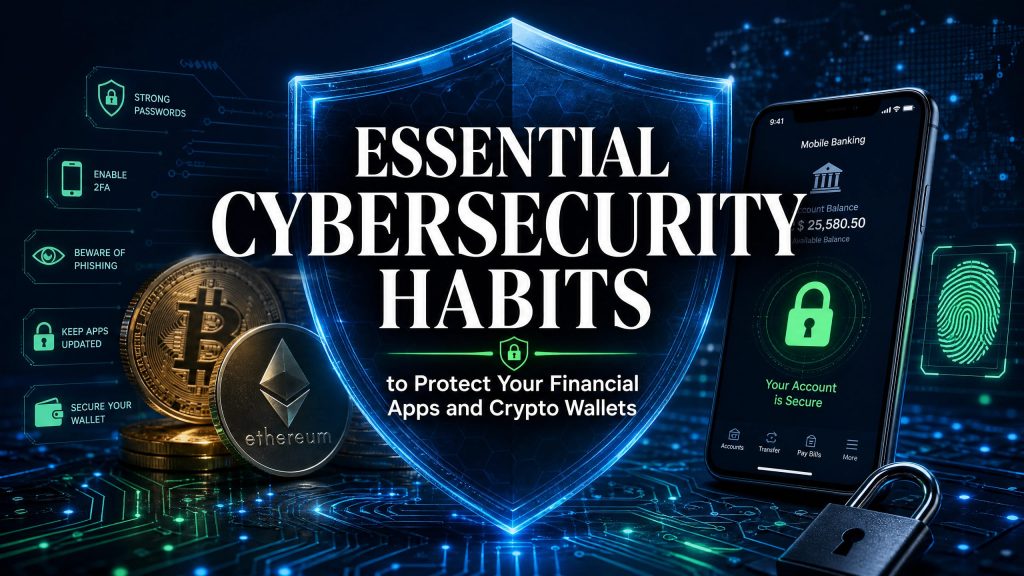
Essential Cybersecurity Habits to Protect Your Financial Apps and Crypto Wallets
For most of human history, protecting your wealth was a physical endeavor. It required thick steel vaults, complex mechanical combinations, armed guards, and geographical fortresses. The safety of your money was entirely delegated to massive financial institutions that built impenetrable physical infrastructure.
Today, the architecture of wealth has fundamentally transformed. Your checking account, your stock portfolio, your retirement funds, and your cryptocurrency holdings no longer exist as physical assets; they exist purely as encrypted data packets floating across global digital networks.
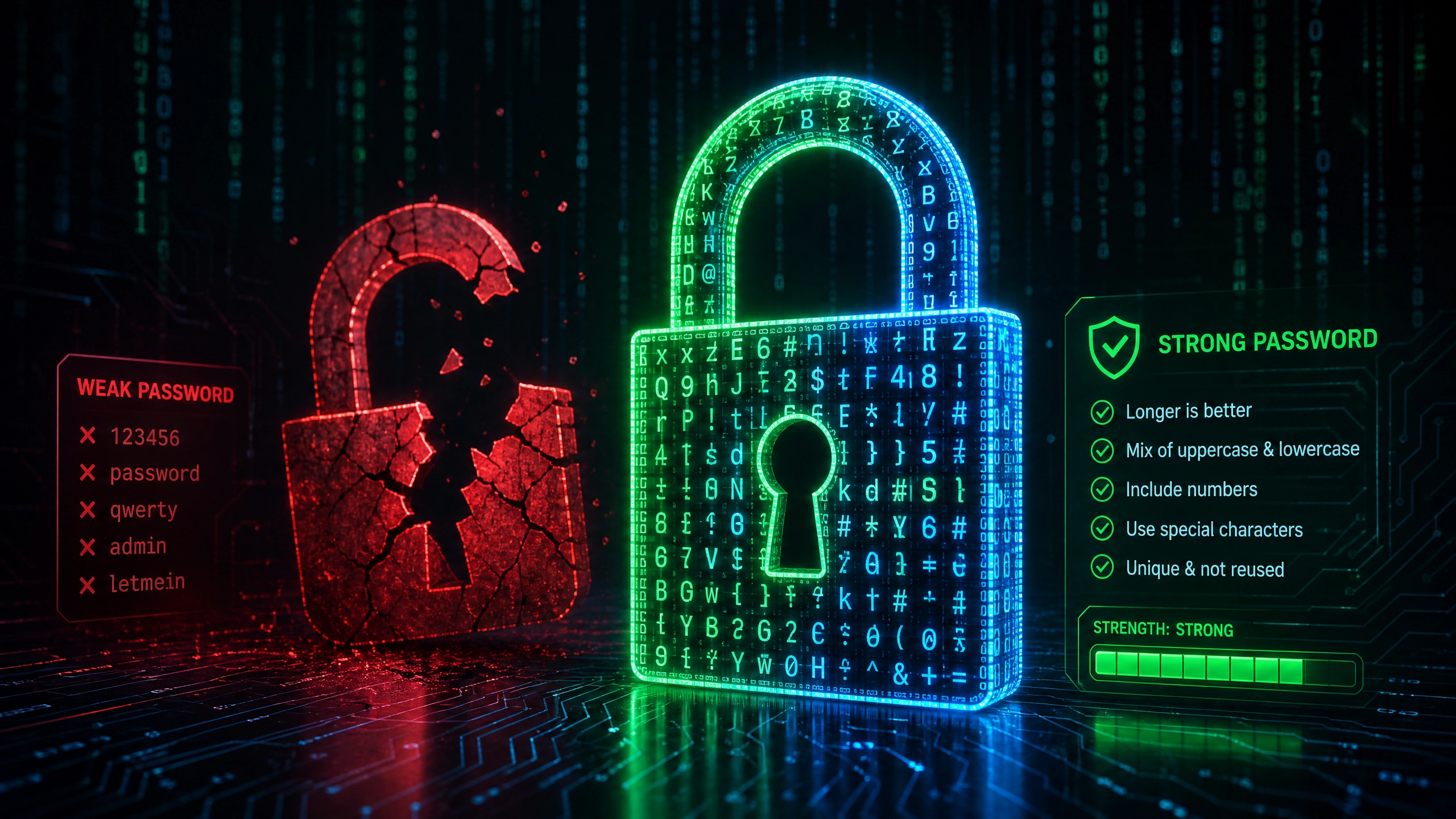
While this digital revolution has provided unprecedented convenience and democratized access to global markets, it has also shifted the burden of security directly onto your shoulders. The modern bank robber no longer wears a ski mask or carries a weapon. The modern bank robber is a highly sophisticated, financially motivated cybercriminal operating from thousands of miles away, utilizing automated scripts, social engineering, and algorithmic brute-force attacks to drain your accounts in a matter of seconds.
In this new financial paradigm, ignorance is an unforgivable vulnerability. Protecting your digital wealth requires adopting a proactive, multi-layered security architecture. This comprehensive guide will deeply analyze the mechanics of modern cyber threats, break down the crucial difference between securing traditional bank apps and decentralized crypto wallets, and provide you with the exact operational habits you must adopt to build an impenetrable digital fortress around your finances.
1. The New Landscape of Digital Wealth (The Threat Matrix)
Before you can build your defenses, you must understand the nature of the enemy and the unique vulnerabilities of the assets you are trying to protect. The modern financial ecosystem is divided into two distinct arenas, each with its own threat profile.
The Traditional Financial Sector (Centralized)
When a hacker breaches your Chase, Bank of America, or Robinhood account, you are relying on a centralized authority to protect you.
- The Mitigation: Traditional banks have fraud departments, transaction reversal capabilities, and federal insurance (like FDIC). If a hacker wires money out of your account, the bank can often freeze the transaction, reverse the wire, and restore your funds.
- The Threat: Hackers know this. Therefore, they focus on speed and identity theft. They aim to steal your credentials, quickly siphon funds to untraceable gift cards, or use your identity to open massive lines of credit in your name before the bank’s fraud algorithms detect the anomaly.
The Cryptocurrency Sector (Decentralized)
Cryptocurrency fundamentally removes the bank from the equation. You are your own bank.
- The Mitigation: There is none. There is no customer service hotline to call if you make a mistake. There is no fraud department that can reverse a transaction.
- The Threat: Blockchain transactions are cryptographically absolute and 100% irreversible. If a hacker gains access to your crypto wallet and transfers your Bitcoin or Ethereum to their address, that wealth is gone forever. The blockchain does not care if the transaction was malicious; it only verifies that the mathematical cryptographic signature was correct. This absolute finality makes crypto wallets the highest-value targets for modern cybercriminals.
2. Foundational Security: Locking the Front Door
The vast majority of financial breaches do not occur because a hacker used a supercomputer to crack a bank’s mainframe. They occur because the user left the front door wide open through catastrophic password management.
The Danger of Credential Stuffing
Human beings are psychologically wired for convenience. As a result, the average consumer uses the exact same password (or a slight variation of it) across dozens of websites—their email, their Netflix account, and their banking app.
This is a fatal error. Hackers routinely breach poorly secured websites (like a random fitness forum or a food delivery app) and steal millions of passwords. They then use automated “Credential Stuffing” software to test those stolen email/password combinations against major banking apps like Wells Fargo or crypto exchanges like Coinbase. If you reuse passwords, a breach at a low-level website instantly compromises your entire financial life.
The Password Manager: Your Digital Vault
You must abandon the concept of memorizing passwords. Your brain is incapable of generating and remembering the mathematically complex passwords required to defeat modern cracking software.
You must utilize a reputable Password Manager (such as Bitwarden, 1Password, or Dashlane).
- How it Works: A password manager is an encrypted digital vault. It automatically generates a unique, 20+ character, cryptographically secure password (e.g.,
Xy7$kL9#mP2@qR5!vN8*) for every single financial app you use. - Zero-Knowledge Architecture: Elite password managers use “Zero-Knowledge” encryption. This means your vault is encrypted on your device before it is sent to the company’s servers. The company itself cannot see your passwords. Even if the password manager company is hacked, the hackers only steal useless, mathematically scrambled data.
- Your Only Job: You only need to memorize one exceptionally strong “Master Password” to unlock the vault. The software handles the rest.
3. Multi-Factor Authentication (MFA): The Non-Negotiable Layer
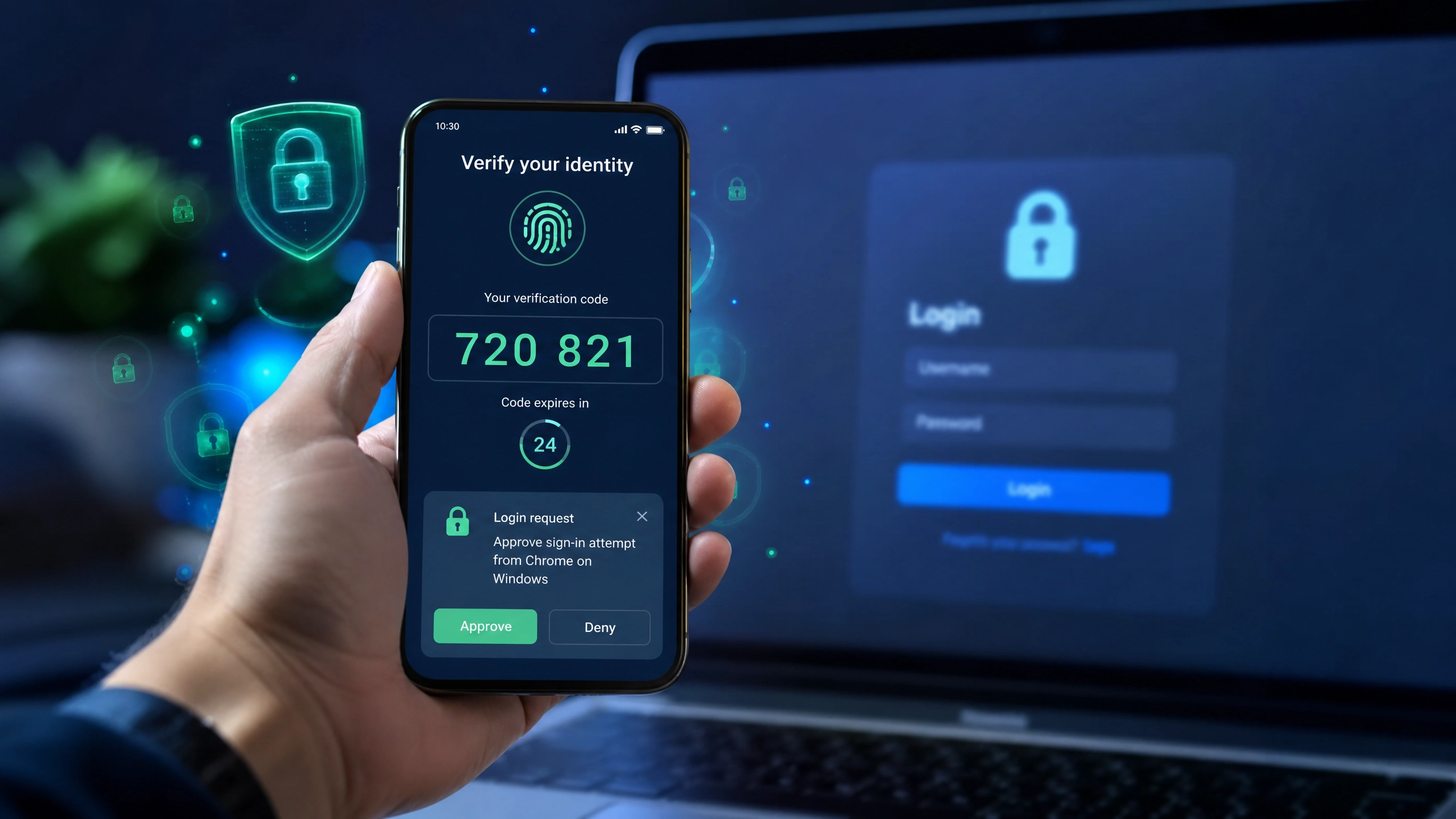
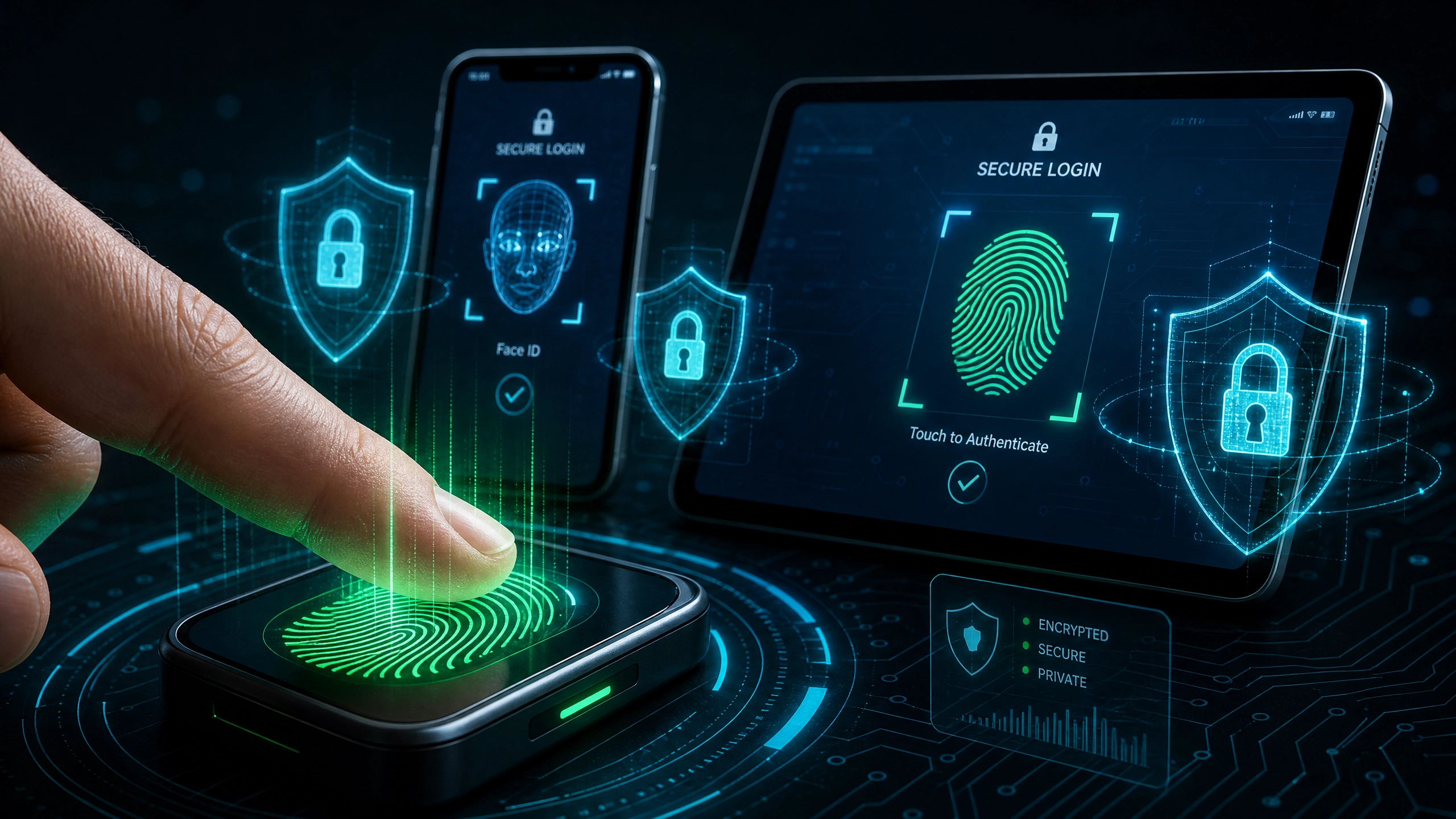
A strong password is no longer sufficient. Passwords can be compromised through phishing or keyloggers. You must implement Multi-Factor Authentication (MFA)—also known as 2FA—on every single financial account. MFA requires you to prove your identity using a second, separate method after entering your password.
However, not all MFA methods are created equal.
Why SMS (Text Message) 2FA is Dead
Receiving a 6-digit code via SMS text message is the default 2FA method for most banks, but cybersecurity experts now consider it highly vulnerable due to SIM Swapping.
In a SIM Swap attack, a hacker calls your mobile carrier (AT&T, Verizon) pretending to be you. Using personal data they bought on the dark web, they trick the customer service rep into transferring your phone number to a new SIM card controlled by the hacker. Instantly, your phone loses service. The hacker then logs into your bank, clicks “Forgot Password,” and the bank texts the password reset code directly to the hacker’s phone. They drain your accounts in minutes.
The Solution: Authenticator Apps
You must transition your financial apps away from SMS and toward Authenticator Apps (like Google Authenticator, Authy, or Microsoft Authenticator).
- The Mechanics: These apps generate a new, time-based 6-digit code every 30 seconds directly on your physical device.
- The Advantage: Because the code is generated locally on your smartphone’s hardware through a cryptographic seed, it is completely immune to SIM swapping. A hacker cannot intercept the code over the cellular network; they must physically possess your unlocked smartphone to see the code.
The Ultimate Shield: Hardware Security Keys
For individuals protecting massive amounts of wealth or cryptocurrency, the absolute gold standard is a Hardware Security Key (such as a YubiKey). This is a physical USB device that you attach to your keychain. To log into your crypto exchange or bank, you must physically plug the YubiKey into your computer and tap it. It is entirely immune to remote hacking and phishing because the physical hardware must be present to authorize the transaction.
4. Network Security: Protecting Data in Transit
Having an impenetrable password and a YubiKey is useless if a hacker intercepts your data while it is traveling from your smartphone to the bank’s servers.
The Perils of Public Wi-Fi
Never, under any circumstances, log into a bank account, a brokerage, or a crypto wallet while connected to public Wi-Fi (such as an airport, a coffee shop, or a hotel network).
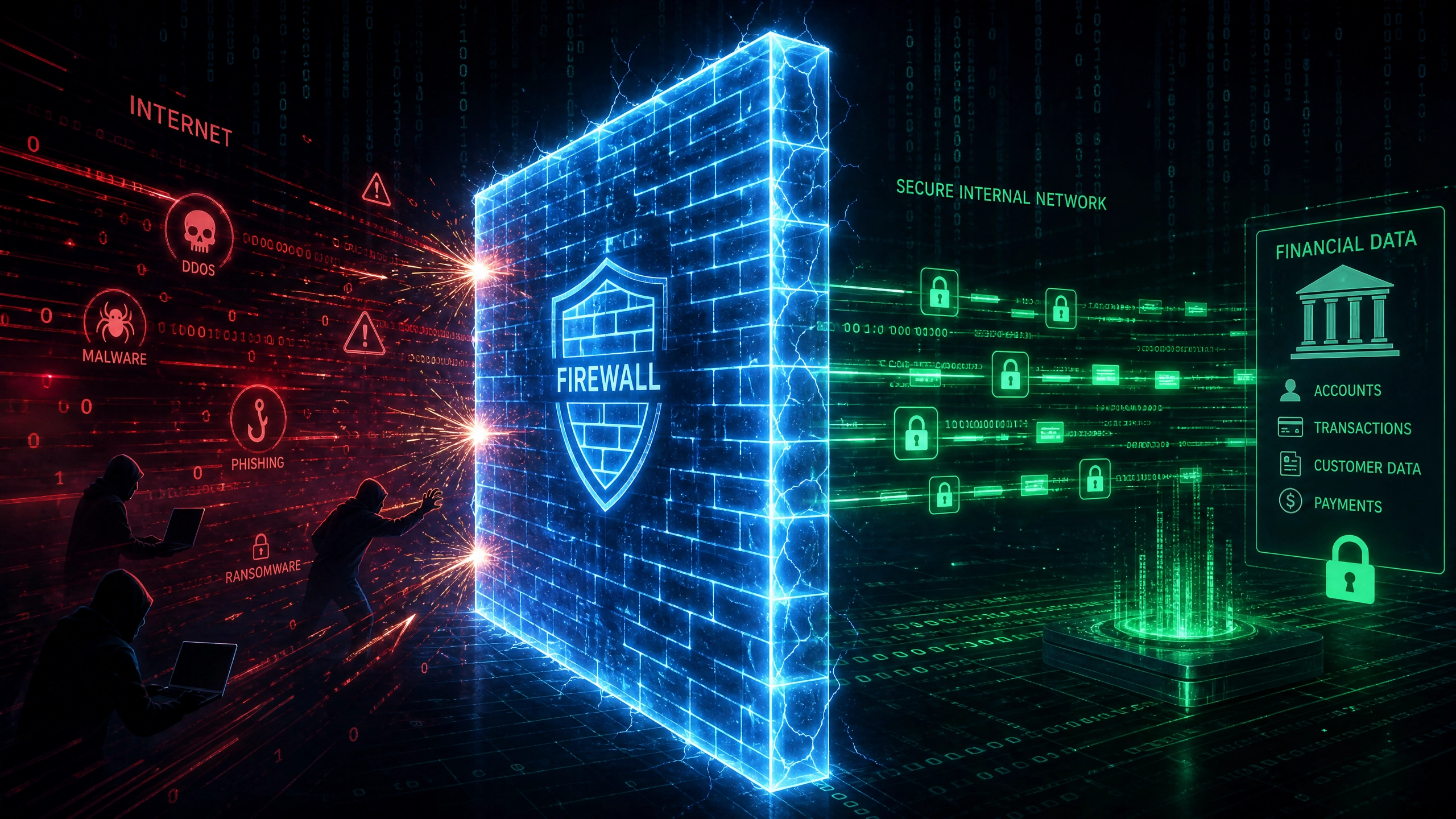
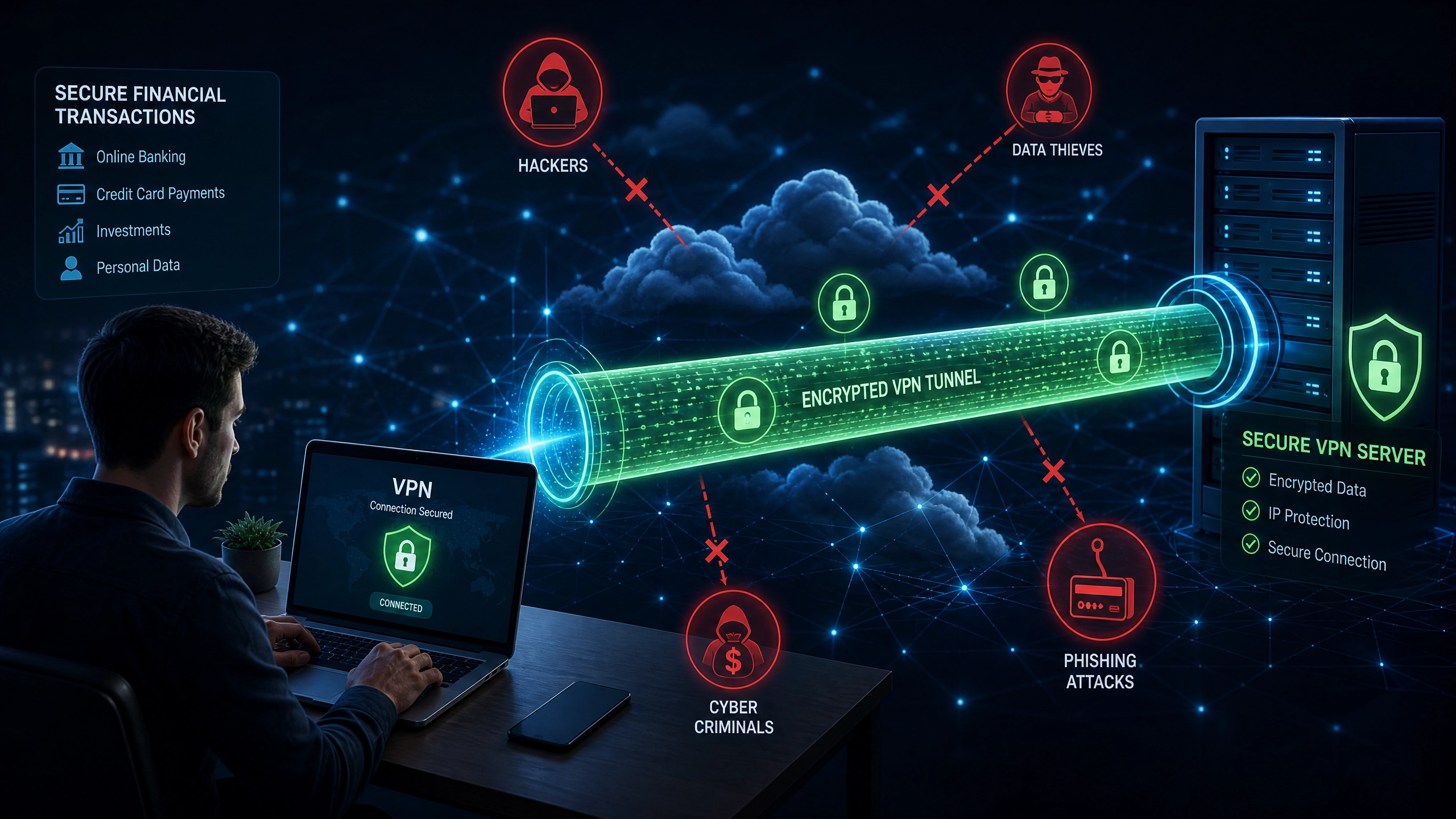
Public networks are prime hunting grounds for cybercriminals utilizing “Man-in-the-Middle” (MitM) attacks. A hacker sitting in the same coffee shop can deploy software that intercepts the radio signals between your phone and the router. They can capture your session cookies, your login credentials, and your account numbers as they float through the air in plain text.
The VPN Mandate
If you must manage finances on the go, you must use a Virtual Private Network (VPN). A high-quality, paid VPN (like ExpressVPN, NordVPN, or ProtonVPN) creates an encrypted, AES-256 military-grade tunnel between your device and the internet. Even if a hacker intercepts your data on a public network, they will only see a wall of mathematical garbage. Note: Always use your cellular data connection (4G/5G) rather than public Wi-Fi when possible, as cellular networks are significantly harder to intercept.
5. Cryptocurrency Specifics: Hot Wallets vs. Cold Storage
If you invest in digital assets like Bitcoin or Ethereum, you must master an entirely different realm of cybersecurity. The cryptocurrency world is littered with catastrophic losses due to fundamental misunderstandings of custody.
The Exchange Fallacy: Not Your Keys, Not Your Crypto
The most common mistake beginners make is leaving their cryptocurrency on centralized exchanges (like Coinbase, Binance, or the now-defunct FTX). When your crypto is on an exchange, you do not actually own the crypto. You own an “IOU” from the exchange. If the exchange is hacked, if the CEO commits fraud, or if the company goes bankrupt, your funds are frozen, and you lose everything. To achieve true digital ownership, you must take “self-custody” of your assets.
Hot Wallets (The Checking Account)
A Hot Wallet (like MetaMask, Trust Wallet, or Phantom) is a software wallet installed on your smartphone or web browser that is constantly connected to the internet.
- The Use Case: They are highly convenient for making daily transactions, interacting with Decentralized Finance (DeFi) apps, or trading NFTs.
- The Vulnerability: Because they are connected to the internet, they are vulnerable to malware, malicious smart contracts, and browser exploits. You should only keep a small portion of your crypto in a hot wallet—treat it like the cash you carry in your physical leather wallet.
Cold Storage Hardware Wallets (The Steel Vault)
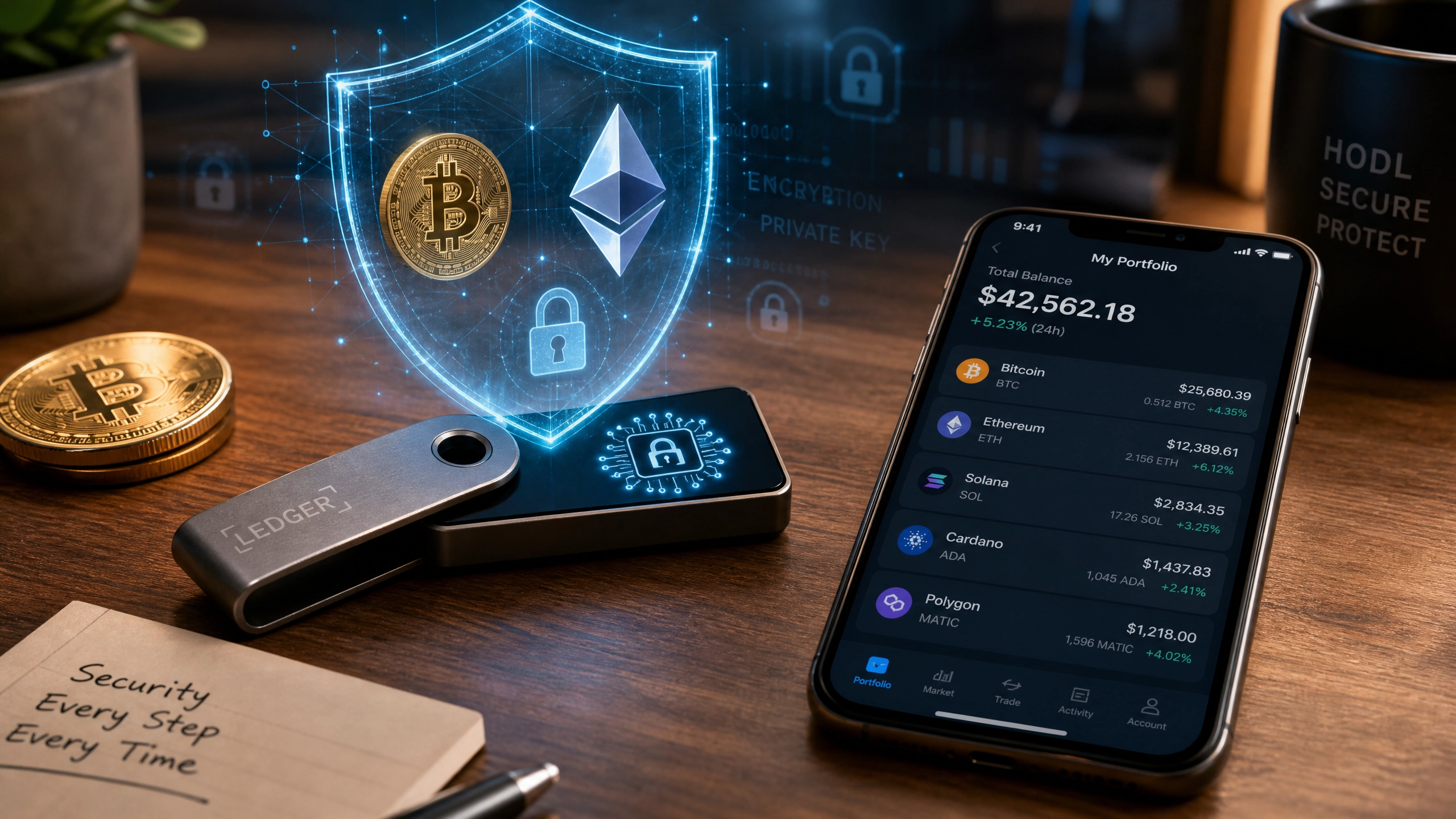
A Hardware Wallet (like a Ledger, Trezor, or Coldcard) is a physical, offline USB device. It is the ultimate security architecture for cryptocurrency.
- The Mechanics: Your crypto does not actually live “inside” the physical device; it lives on the blockchain. The hardware wallet stores your “Private Keys”—the cryptographic passwords required to move the crypto.
- Air-Gapped Security: When you want to send Bitcoin, you plug the hardware wallet into your computer. The transaction is signed cryptographically inside the secure chip of the physical device, and only the finalized, signed transaction is pushed to the internet. Your private keys never touch your computer, meaning even if your laptop is completely infected with viruses, the hacker cannot steal your crypto.
The Sacred Seed Phrase
When you set up a crypto wallet (hot or cold), the software will generate a 12 to 24-word “Seed Phrase” (e.g., apple, tiger, river, mountain…). This phrase is the master cryptographic key to all your funds. If you lose your hardware wallet, you can buy a new one, type in those 24 words, and instantly recover all your wealth.
The Absolute Rule of Crypto:
- Never type your seed phrase into your computer or smartphone.
- Never take a photograph of it.
- Never store it in Google Drive or iCloud. If a hacker accesses your cloud storage and finds a photo of those 24 words, your funds will be drained in seconds. The seed phrase must be written on physical paper (or stamped into titanium metal plates) and locked inside a fireproof physical safe.
6. Social Engineering and Phishing: The Human Vulnerability
You can have a YubiKey, a hardware wallet, and a 50-character password, but none of it matters if a hacker simply tricks you into handing over the keys. This is known as Social Engineering.
Sophisticated Phishing Attacks
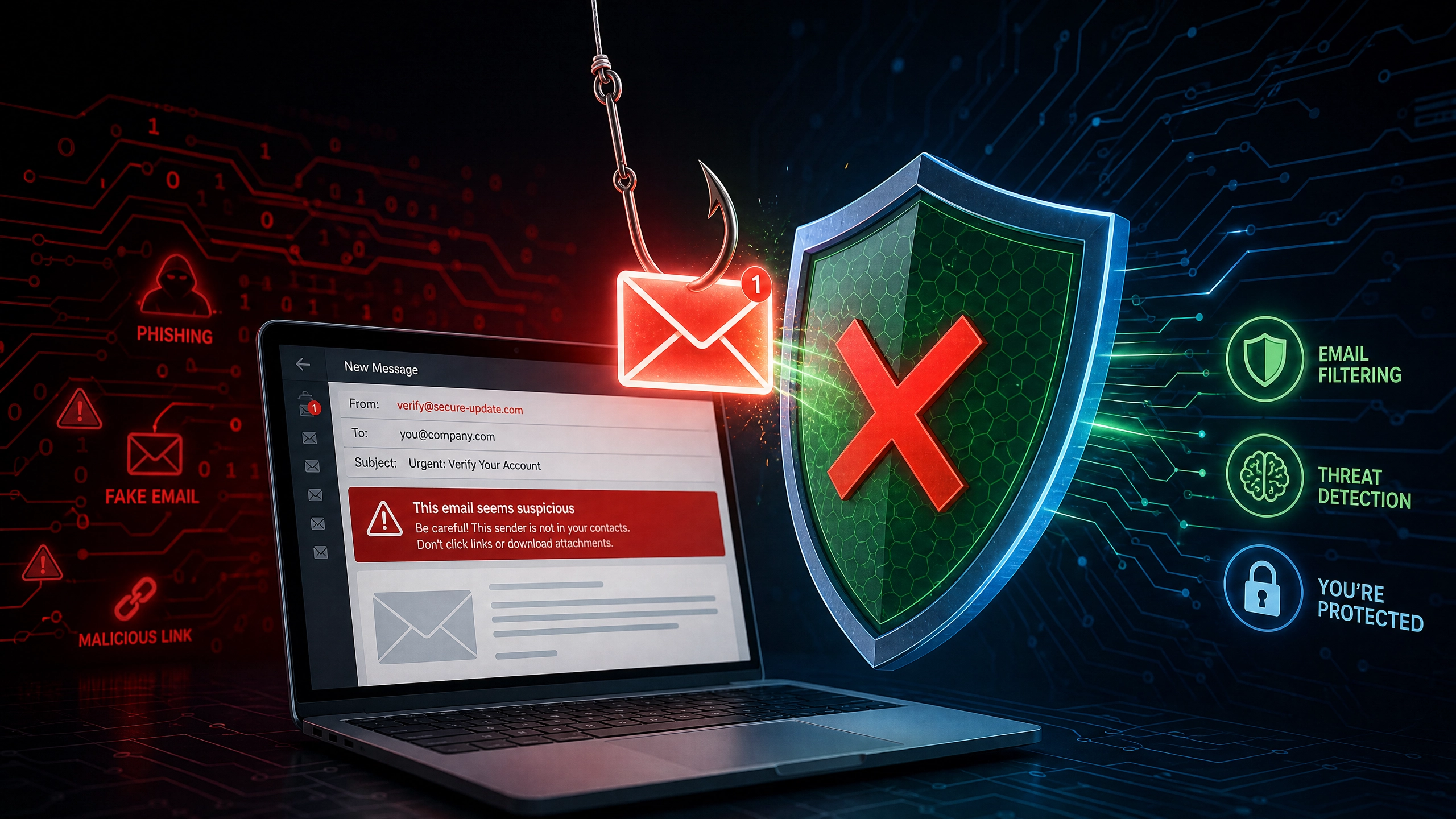
Modern phishing is no longer characterized by poorly spelled emails from “Nigerian Princes.” Cybercriminals use AI to write flawless, highly sophisticated emails that perfectly mimic your bank or crypto exchange. They will send a terrifying email stating: “Urgent: Unauthorized login detected on your Chase account. Click here immediately to freeze your funds.”
When you panic and click the link, it takes you to a website that looks exactly like Chase.com. You type in your username, password, and 2FA code. You just handed the hacker everything they need.
The “Zero Trust” Verification Habit
To defeat phishing, you must adopt a “Zero Trust” operational framework:
- Never click links in emails or text messages regarding your finances. If you receive an urgent alert from your bank, close the email, open your web browser, and manually type
www.chase.cominto the URL bar, or use their official mobile app. - Beware of AI Voice Cloning: Hackers are increasingly using AI to clone the voices of customer service reps or even family members, calling you to request urgent wire transfers or authorization codes. If a “bank rep” calls you asking for a code they just texted you, hang up immediately. Banks will never call you and ask for your 2FA code.
7. Comparative Matrix: Security Tools vs. Convenience
In cybersecurity, there is a constant battle between maximum security and daily convenience. Use this matrix to structure your financial defenses based on the value of the asset.
| Security Layer | Convenience Level | Security Level | Best Used For | Vulnerability |
|---|---|---|---|---|
| Password Only | Extremely High | Very Low | Throwaway websites, reading news. | Keyloggers, data breaches, brute-force attacks. |
| SMS Text 2FA | High | Low | Low-value retail accounts. | SIM Swapping, intercepted cellular networks. |
| Authenticator App (2FA) | Moderate | High | Primary Checking Accounts, Stock Brokerages. | Malware on the specific phone, physical device theft. |
| Hardware Key (YubiKey) | Low | Elite | Massive investment portfolios, Crypto Exchanges. | Losing the physical key (always buy a backup). |
| Hardware Wallet (Cold Storage) | Very Low | Absolute | Long-term Cryptocurrency Holdings (The Vault). | Losing your physical paper Seed Phrase backup. |
8. Device Hygiene: Protecting the Physical Hardware
Your security architecture is only as strong as the physical devices you use to access it. Maintaining strict device hygiene is mandatory.
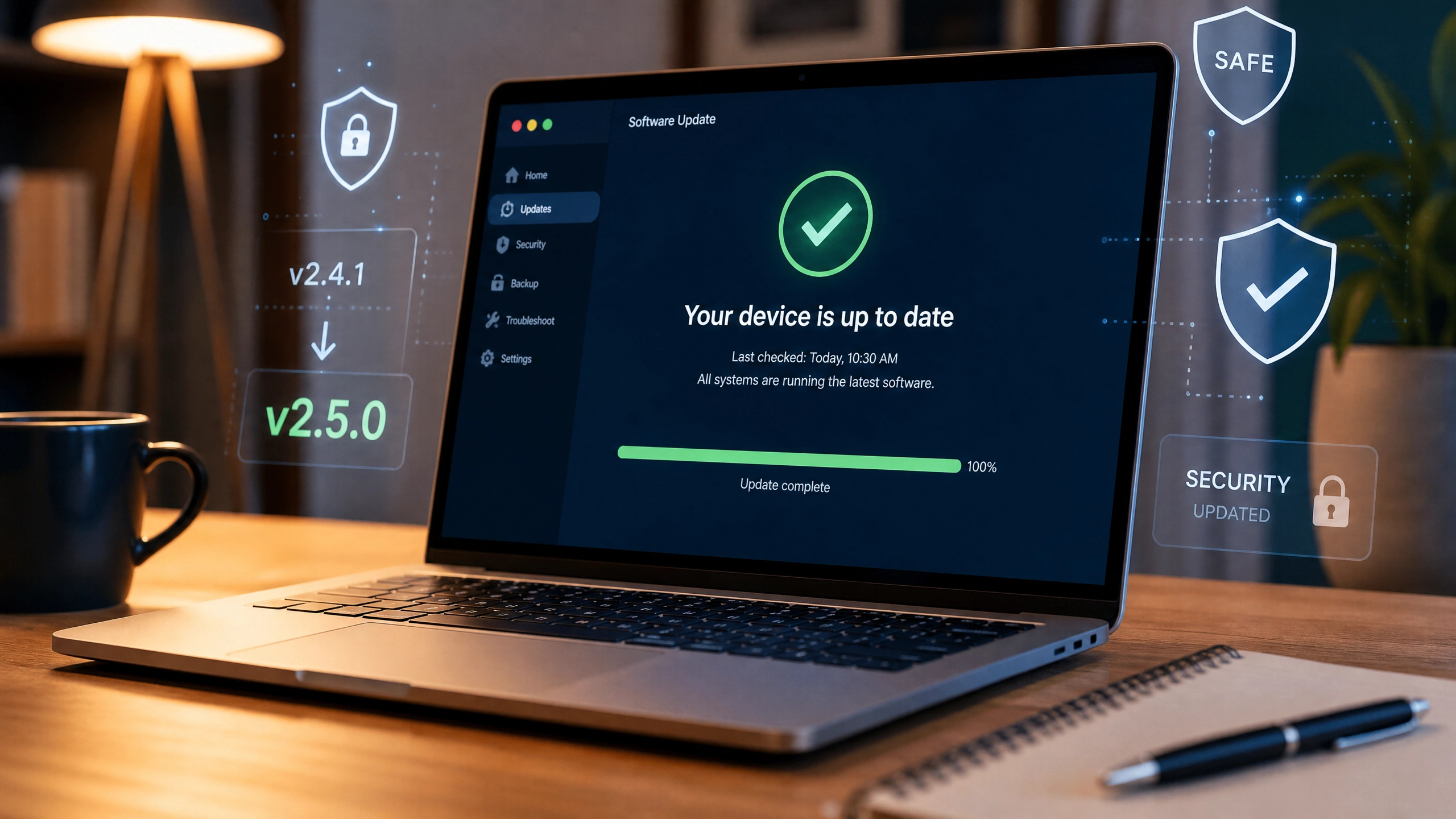
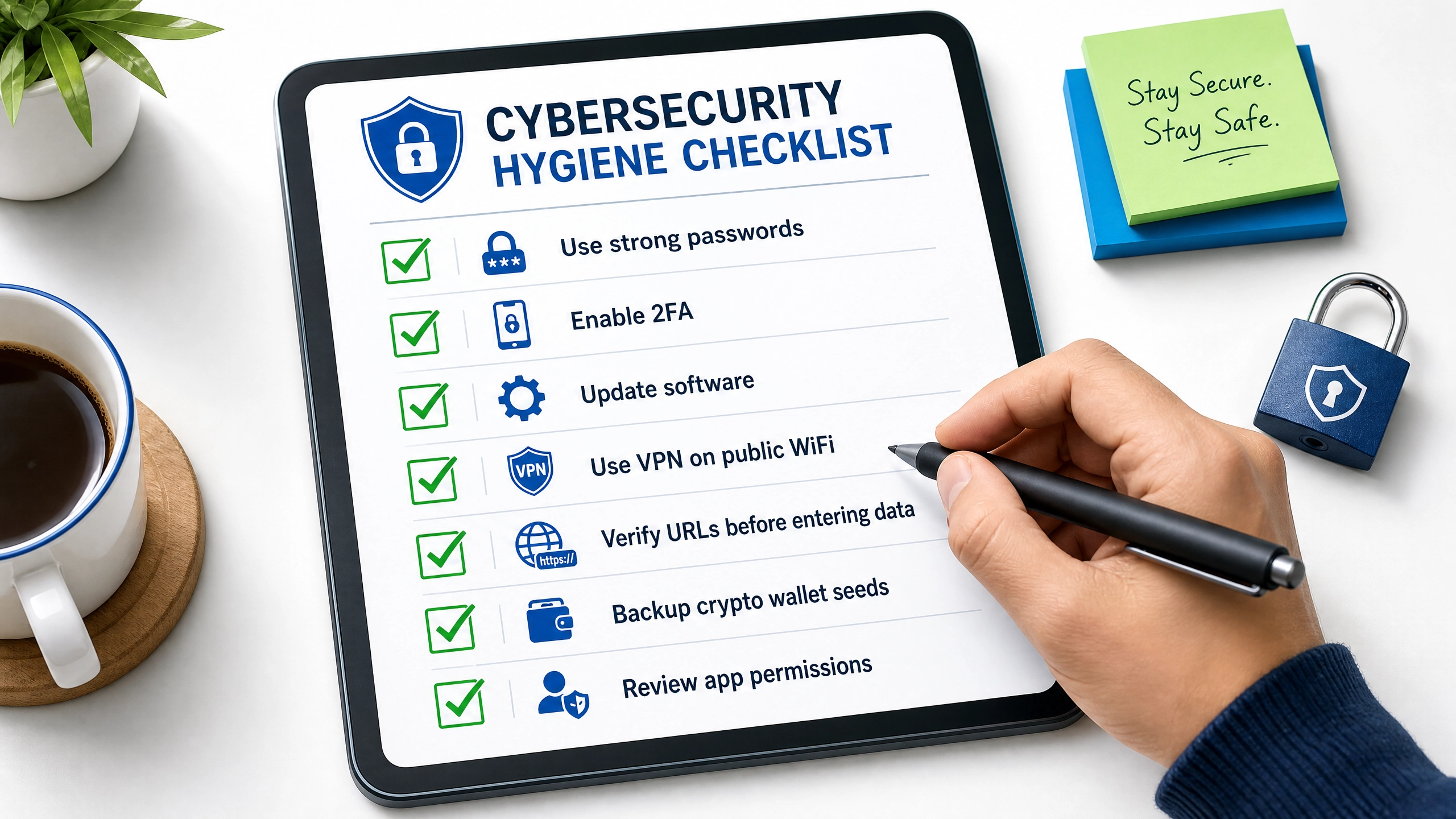
- Relentless Software Updates: When Apple or Microsoft releases a software update, it is usually not to add new emojis; it is to patch critical security vulnerabilities (Zero-Day exploits) that hackers have discovered. Update your phone and computer operating systems the exact day the patch is released.
- Dedicated Financial Devices: High-net-worth individuals and heavy crypto investors often use a strategy called “compartmentalization.” They buy a cheap, secondary laptop (like a basic Chromebook) and use it exclusively for accessing bank accounts and crypto exchanges. They never use it to browse social media, download software, or read emails, eliminating 99% of malware exposure.

9. Frequently Asked Questions (FAQ)
Can a VPN completely protect me from being hacked?
No. A VPN is a tunnel, not a magical shield. It encrypts your data in transit, protecting you from hackers sniffing traffic on public Wi-Fi. However, if you click a phishing link and manually type your password into a fake website, or if you download a virus disguised as a PDF file, a VPN will do absolutely nothing to protect you. It is one layer of defense, not a comprehensive solution.
What happens if my hardware wallet (Ledger or Trezor) breaks or is stolen?
Your crypto is entirely safe. The physical hardware wallet is just a tool used to sign transactions; it does not “contain” the crypto. If your device is run over by a car or stolen by a burglar, the thief cannot access your funds without your physical PIN code. You simply order a brand new hardware wallet, enter your secret 12 to 24-word Seed Phrase into the new device, and your entire portfolio is instantly restored. (This is why protecting the paper seed phrase is more important than protecting the plastic device).
Are password managers safe if they get hacked?
Yes, provided you use a reputable company with “Zero-Knowledge” architecture (like Bitwarden or 1Password). In 2022, the popular password manager LastPass suffered a massive breach. The hackers stole the encrypted vaults of millions of users. However, because the vaults were heavily encrypted, the hackers could not read the passwords inside without the users’ individual Master Passwords. As long as your Master Password is long, unique, and not easily guessable, your vault remains virtually uncrackable even if the company’s servers are compromised.
Author’s Note: The Psychological Shift in Digital Ownership
Adopting high-level cybersecurity habits can initially feel overwhelming, tedious, and paranoid. Entering a complex master password, plugging in a physical YubiKey, and authenticating a push notification just to check your checking account balance introduces intentional friction into your daily routine.
You must reframe how you view this friction. In the physical world, you do not complain about the “inconvenience” of having to use a metal key to unlock the front door of your house; you accept it as the baseline requirement for personal safety.
Digital security requires the exact same psychological acceptance. The friction of Multi-Factor Authentication and Hardware Wallets is the modern equivalent of locking your front door.
In a world where artificial intelligence is making phishing attacks indistinguishable from reality, and where billions of dollars of cryptocurrency are irrevocably stolen every year, relying on your bank’s fraud department to save you is a dangerous gamble. Take absolute ownership of your digital perimeter. Invest the time to set up password managers and hardware keys today, and you purchase the ultimate luxury in the modern financial world: the ability to sleep soundly knowing your digital wealth is mathematically untouchable.