Passkeys explained simply are cryptographic credentials that let a person sign in without sending a reusable password to a website. Instead of proving identity with a shared secret that can be typed, copied, phished, or reused, a passkey uses a private key protected on the user’s device or credential provider and a matching public key stored by the service.
For financial accounts, passkeys can significantly reduce common password and phishing risks. They are not magic, however. Account recovery, device security, cloud synchronization, weak fallback methods, fraudulent enrollment, and poor implementation still matter. The most accurate question is not merely whether passkeys are safer than passwords, but whether the institution has designed the entire authentication and recovery process safely.
How a Passkey Works
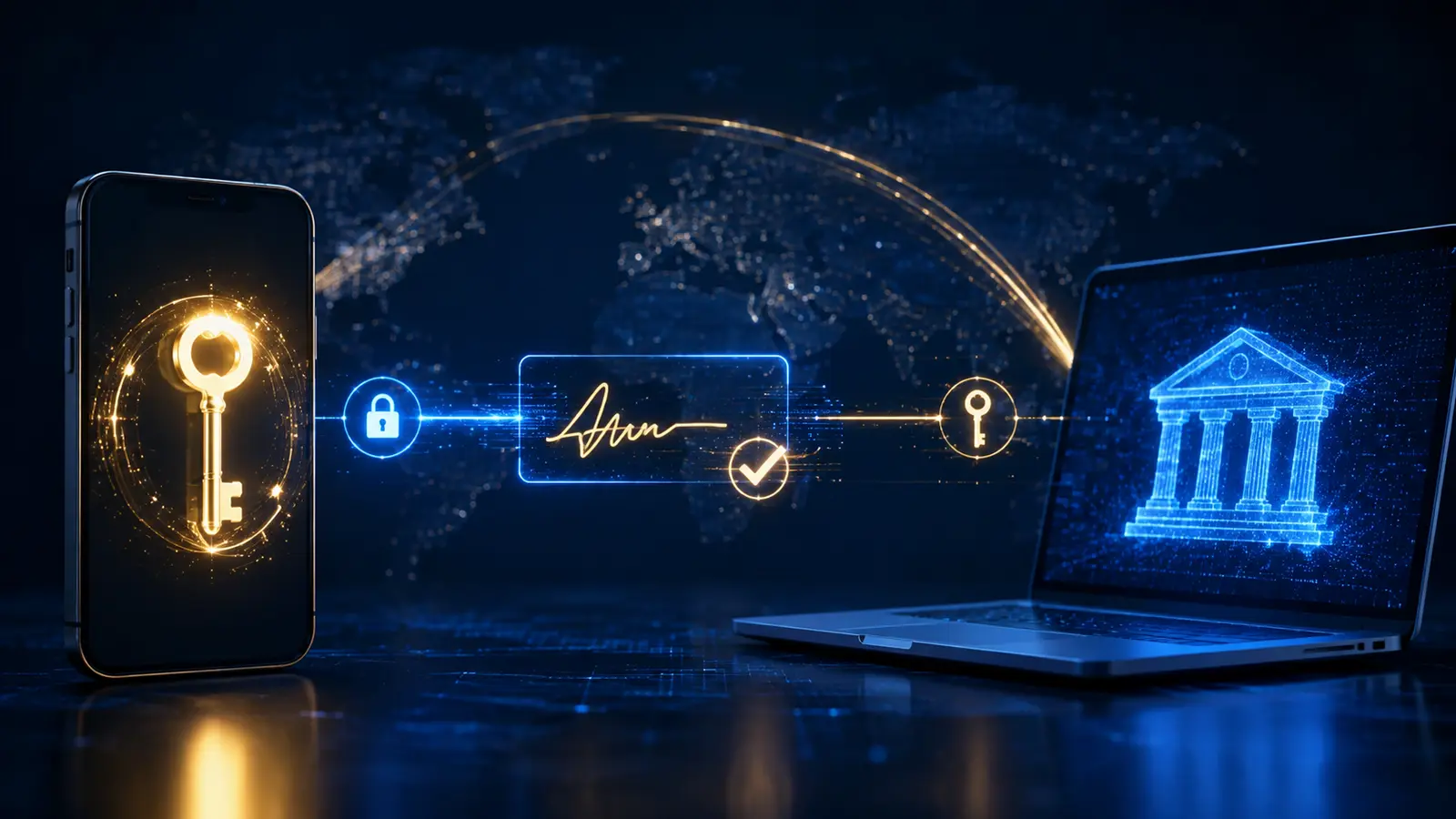
When a passkey is created for a website or app, the authenticator generates a public-private key pair. The public key and an identifier are registered with the service. The private key remains protected by the user’s authenticator, such as a phone, computer, credential manager, or hardware security key.
During sign-in, the service sends a fresh cryptographic challenge. The authenticator signs it with the private key after the user approves the action, commonly by unlocking the device with a PIN, fingerprint, facial recognition, or device password. The service verifies the signature with the public key. The private key is not revealed to the service.
The biometric check normally happens locally on the device. The website does not receive a fingerprint or face scan; it receives proof that the authenticator approved the operation. FIDO Alliance describes passkeys as FIDO credentials built on the FIDO2 standards, including WebAuthn and CTAP.
Why Passwords Create So Many Risks
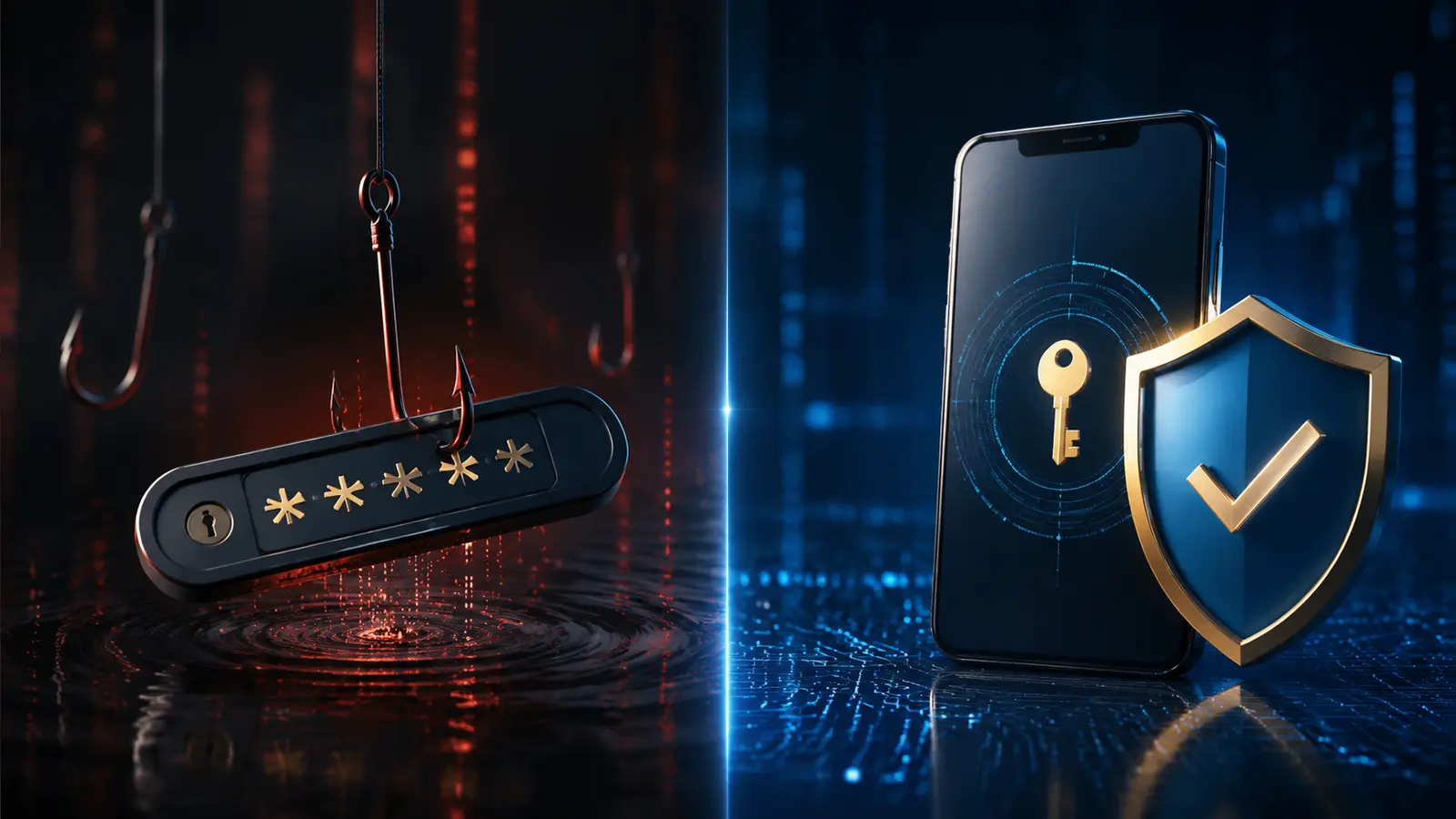
A password is a shared secret. The user knows it, and the service stores a verifier or protected representation of it. Attackers can target either side. They may trick the user into typing the password on a fake site, steal it through malware, reuse it from another breach, guess a weak password, or overwhelm the user with fraudulent multifactor prompts.
Even a strong unique password can be phished. A one-time code sent by text message or generated by an app adds protection, but a convincing fake site can sometimes capture both the password and the code in real time. CISA identifies FIDO/WebAuthn authentication as the widely available phishing-resistant approach.
Password managers substantially improve password security by generating unique credentials and matching them to domains. Passkeys take the domain binding further: the cryptographic credential is scoped to the legitimate service, so it cannot simply be entered into a look-alike site.
Passkeys vs. Passwords at a Glance
| Security Feature | Passkey | Password |
|---|---|---|
| Secret sent to website | No reusable private key is sent | User submits a reusable secret |
| Phishing resistance | Strong when correctly implemented and origin-bound | Can be entered on a fake site |
| Credential reuse | Unique key pair per service | Users may reuse the same password |
| Server breach value | Public keys are not authentication secrets | Password hashes may be cracked or abused |
| User approval | Device unlock or authenticator action | Typing or autofilling a memorized secret |
| Recovery risk | Depends on synced devices, backups, and account recovery | Depends on reset channels and recovery data |
| Cross-device use | Synced passkey, security key, or nearby-device flow | Can be typed anywhere, which is convenient but phishable |
Why Passkeys Resist Phishing
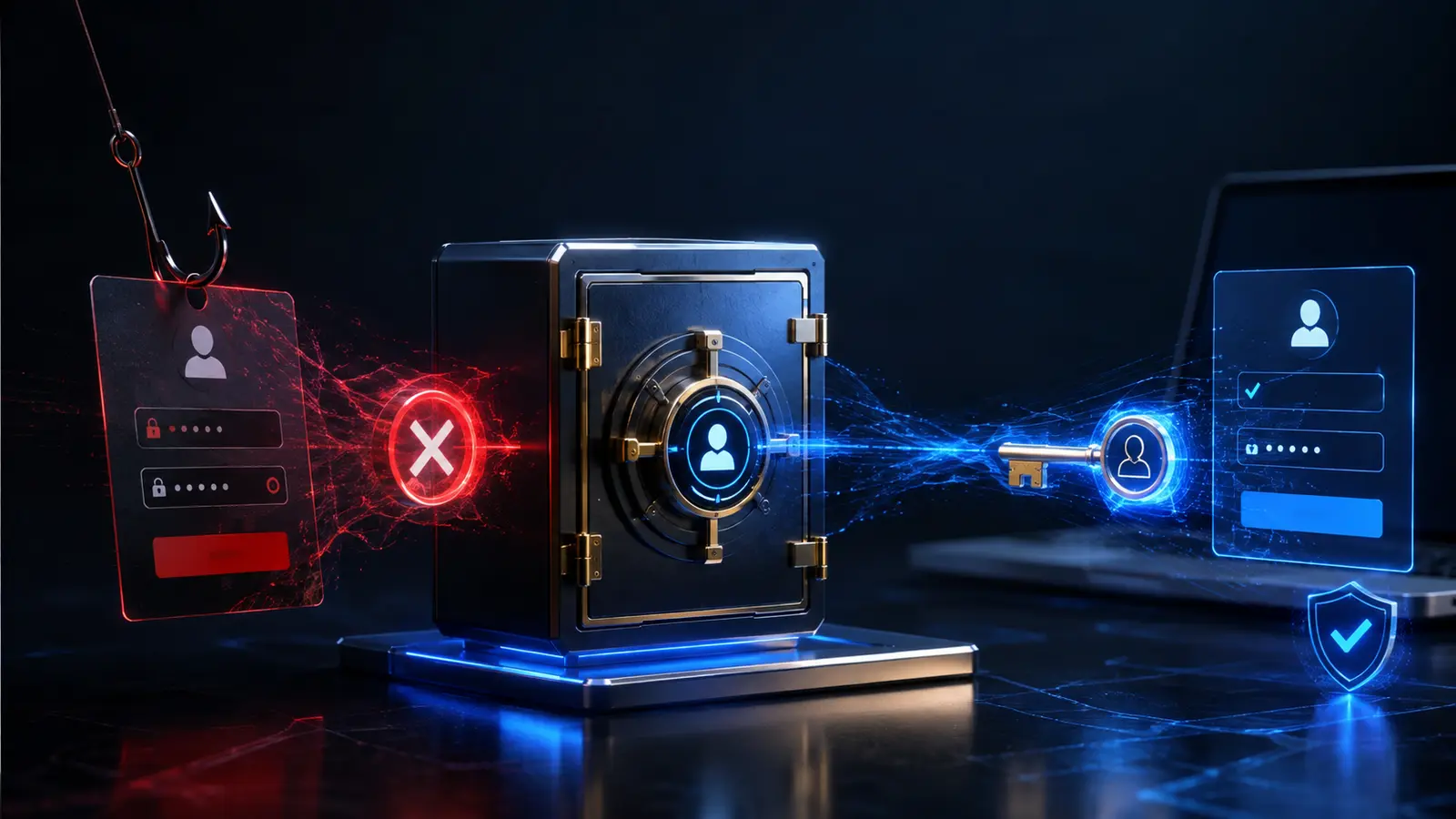
WebAuthn credentials are bound to a relying party, normally the legitimate website’s domain. A fraudulent page may imitate the colors and layout of a bank, but it cannot ask the authenticator to create a valid signature for the real bank’s domain. This removes the user’s ability to accidentally hand the same credential to an impostor site.
NIST defines phishing resistance in terms of preventing disclosure of authentication secrets or valid authenticator outputs to an impostor relying party without depending on the user’s vigilance. Properly implemented cryptographic authentication can meet that goal. This is important because visual inspection of a URL is helpful but imperfect; security should not rely entirely on recognizing every deceptive link.
Passkeys also resist credential stuffing. If one service is breached, the public key stored there cannot be used to sign in elsewhere. Each site has a different credential.
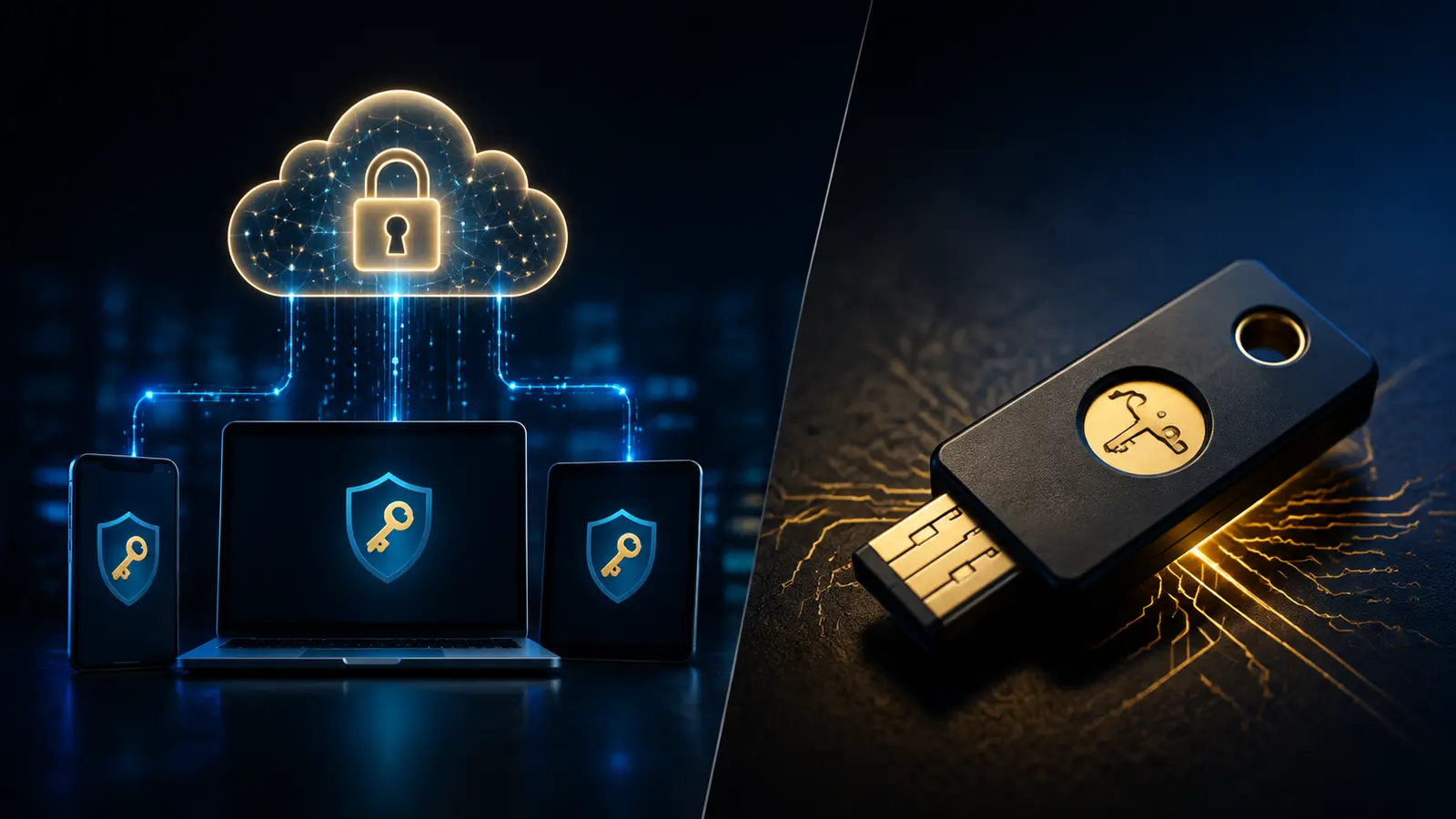
Synced Passkeys and Device-Bound Passkeys
Passkeys can be stored in two broad ways. A synced passkey is made available across devices through a credential provider’s protected synchronization system. This improves convenience and recovery when a phone or computer is replaced. A device-bound passkey remains on one authenticator, such as a particular device or hardware security key.
Both types use public-key cryptography and can be phishing-resistant. Their risk models differ:
- Synced passkeys reduce lockout risk and work across a user’s authorized devices, but their security depends partly on the credential provider account, device enrollment, synchronization protections, and recovery process.
- Device-bound passkeys can provide stronger assurance that the key never leaves the authenticator, but losing the device without a registered backup can create recovery problems.
NIST’s current digital identity guidance distinguishes exportable or syncable authenticators from non-exportable authenticators used for the highest assurance level. A consumer financial institution may choose different passkey types based on its threat model and regulatory obligations.
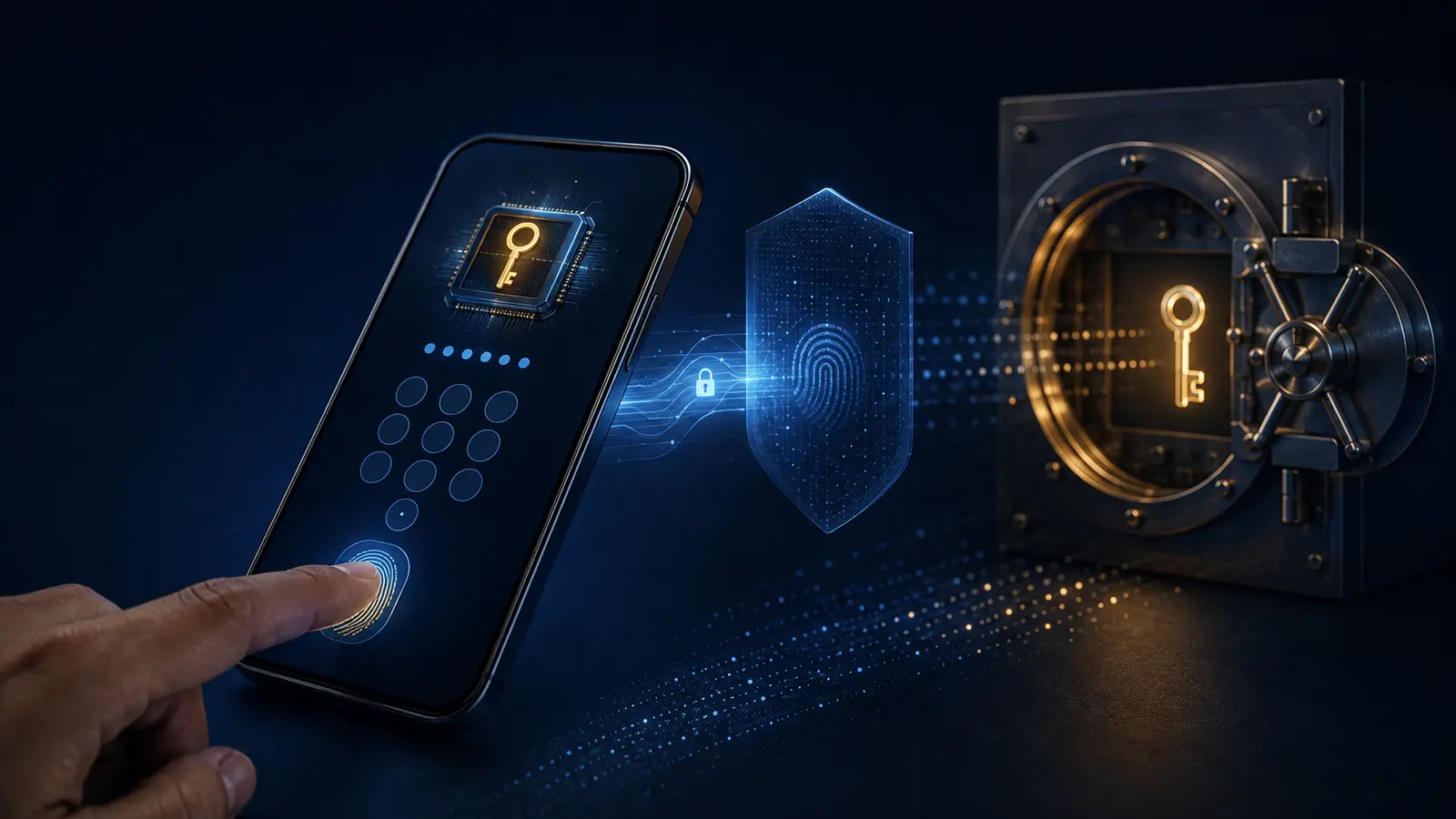
Are Biometrics Required?
No. A passkey can be activated with a device PIN, device password, biometric match, or another method supported by the authenticator. The biometric is usually an activation factor, not the passkey itself. NIST specifically notes that a biometric characteristic is not recognized as an authenticator by itself; it is used with a physical authenticator.
This distinction helps privacy. The bank generally does not store the face or fingerprint template used to unlock the device. The local device confirms the user and releases the cryptographic operation. People who do not want or cannot use biometrics may often use the device PIN instead.
What a Passkey Protects Against
- Fake login pages that attempt to steal credentials.
- Password reuse across unrelated websites.
- Credential stuffing with leaked password lists.
- Guessing of weak or predictable passwords.
- Many server-database attacks aimed at reusable authentication secrets.
- Some real-time phishing methods that proxy passwords and one-time codes.
These benefits make passkeys especially relevant to bank, brokerage, payment, and financial-management accounts. ChirBlog’s technology guides cover other security practices that complement stronger authentication.
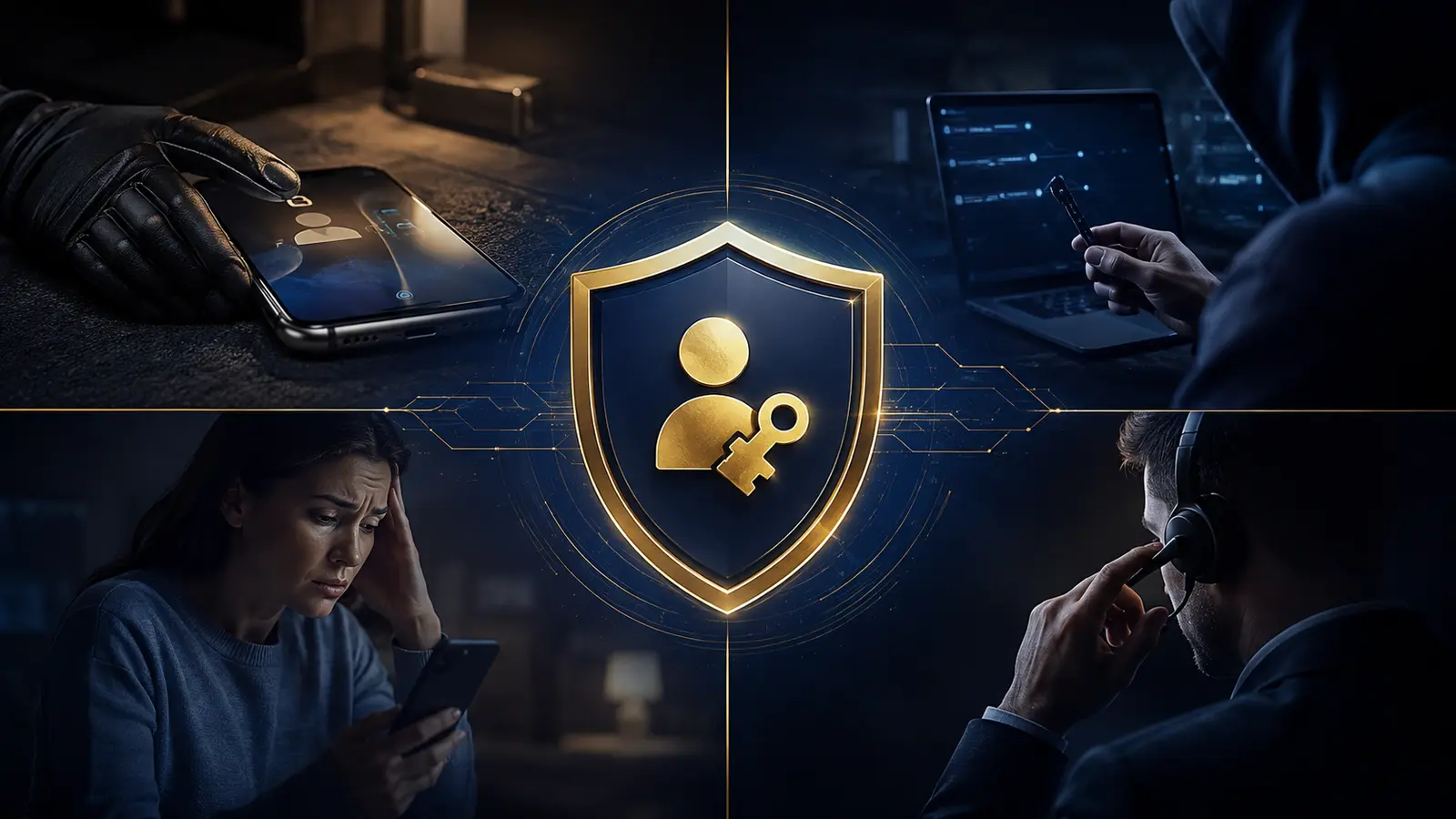
What a Passkey Does Not Automatically Fix
A passkey does not make an infected or unlocked device safe. If an attacker controls the device, knows its unlock code, or tricks a support agent into changing recovery information, account access may still be at risk. A passkey also does not prevent authorized-payment scams in which a victim is persuaded to approve a legitimate transfer after signing in.
Other remaining risks include:
- Account recovery: A weak email, phone, or call-center reset can bypass strong primary authentication.
- Malicious enrollment: An attacker who already controls an account may register a new passkey.
- Session theft: Malware may steal an authenticated session even without stealing the passkey.
- Device theft: A stolen device combined with a known unlock code can undermine protection.
- Fallback methods: Passwords or SMS codes left active may remain the easiest path for an attacker.
- Social engineering: Criminals may impersonate support staff and ask users to approve changes.
A financial institution should protect sign-in, passkey enrollment, recovery, new-device registration, profile changes, and high-risk transactions as one system.
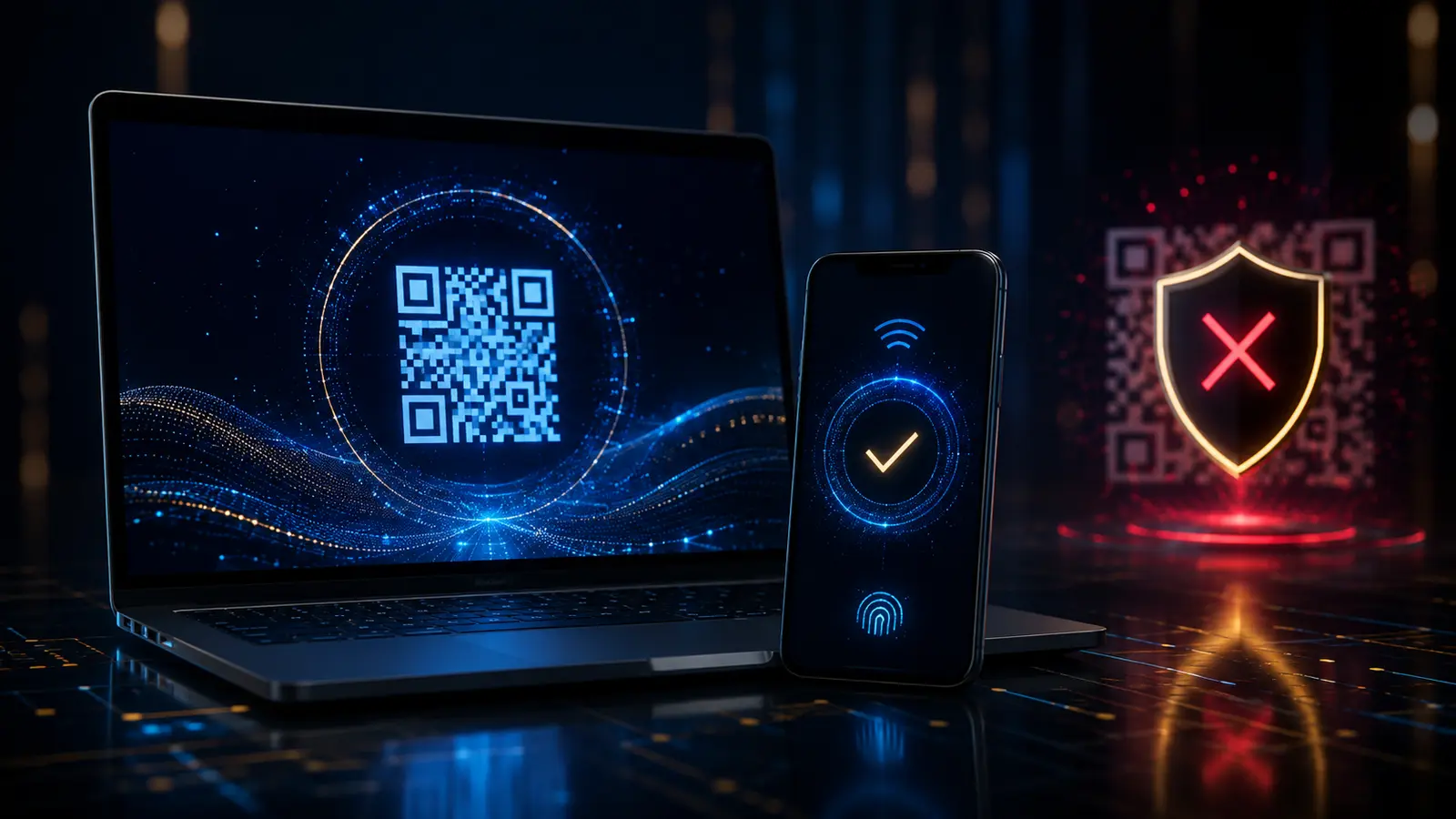
Cross-Device Sign-In and QR Codes
A passkey on a phone can sometimes approve a sign-in on a nearby computer. The computer displays a QR code, the user scans it, and the devices establish a proximity-protected connection. This can be useful on a trusted personal computer that does not hold the passkey.
However, a QR code can also be used in scams. Only scan a code from a sign-in flow that you intentionally started on the institution’s official app or site. Do not scan a code sent by an unexpected caller, message, advertisement, or “support agent.” A legitimate financial institution should not need a customer to scan a stranger’s code to cancel fraud or receive a refund.
Passkeys and Financial Account Recovery
Recovery is the most important operational question. Before relying on a passkey, understand what happens if every device is lost, damaged, reset, or unavailable. Depending on the service, recovery may use another synced device, a second passkey, a hardware security key, verified identity support, recovery codes, or an existing authenticated session.
Secure recovery should not be dramatically weaker than normal sign-in. It should notify the account owner of changes, apply additional verification to high-risk events, and allow suspicious devices or passkeys to be removed. Financial institutions may delay sensitive actions after recovery or new-device enrollment.
A Safe Passkey Checklist for Financial Accounts
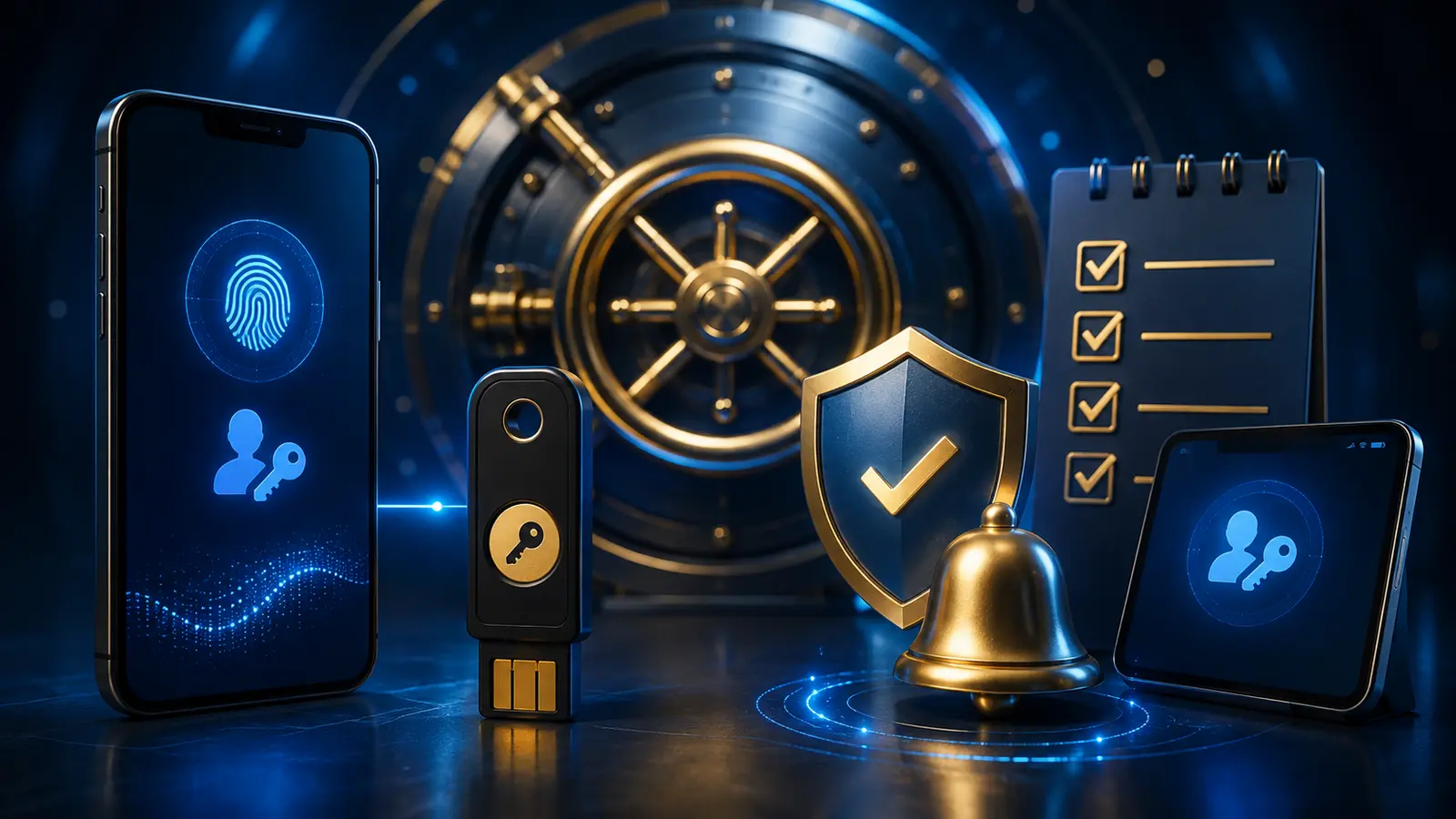
- Start only inside the official app or typed/bookmarked website. Do not follow an unexpected enrollment link.
- Review the passkey provider. Know whether the credential is stored on one device, a security key, or a synchronized credential manager.
- Protect the device unlock code. Use a strong device PIN or password and do not share it.
- Enable device encryption and updates. Install operating-system and browser security updates promptly.
- Register a safe backup if supported. A second trusted authenticator can reduce lockout risk.
- Secure the recovery email and phone account. Those channels may still influence recovery.
- Review registered passkeys and devices. Remove entries you do not recognize or no longer use.
- Turn on account alerts. Watch for new sign-ins, profile changes, transfers, and new-device enrollment.
- Preserve transaction verification. A passkey sign-in should not replace careful review of payee, amount, and destination.
- Know the institution’s official fraud channel. Use contact details from the app, card, statement, or official website.

Should You Remove the Password?
Some services use a passkey as the primary sign-in while retaining a password or recovery path. Others offer a genuinely passwordless account. Removing a password can eliminate a phishable fallback, but only if the replacement recovery process is robust and the user has a safe backup.
Do not assume that adding a passkey disables weaker methods. Review the security settings. If a password remains, keep it long, unique, and stored in a reputable password manager. If SMS remains available, understand that phone-number takeover and social engineering may still matter.
For high-value accounts, an institution may combine a passkey with risk checks, a known device, transaction confirmation, or a device-bound security key. Convenience and assurance do not have to be identical for every action.
Lost Phones, New Phones, and Shared Devices
When replacing a phone, confirm that passkeys are available on the new trusted device before erasing the old one, if the provider’s process allows it. Remove the old device from important accounts after the transition. If a device is lost, use its remote lock or erase feature, notify the carrier where appropriate, and review financial-account sessions and passkeys from a trusted device.
A passkey should not be created on a public, school, workplace, borrowed, or shared device unless the institution and device owner explicitly support a safe managed use case. On a family device, separate user profiles and strong screen locks reduce accidental access.
Financial services can have age and account-eligibility requirements. A minor should use an authorized parent, guardian, or institution-supported youth account arrangement and should not bypass identity or eligibility controls.
How Financial Institutions Should Implement Passkeys
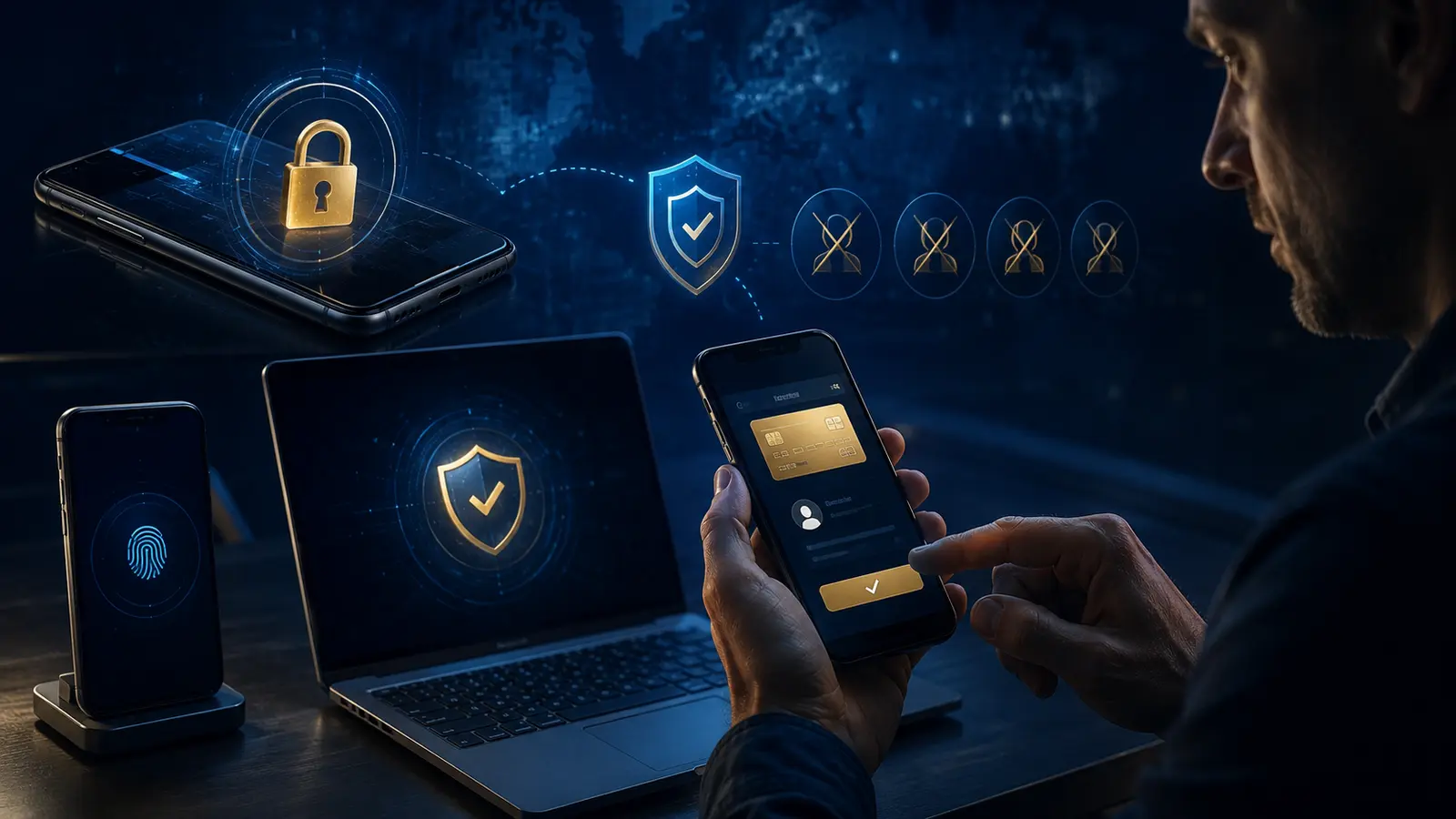
A secure implementation verifies the user before passkey enrollment, binds the credential to the correct domain or app, records enrollment events, sends alerts, and provides a way to view and revoke passkeys. High-risk changes should require step-up verification and should not rely only on possession of an already authenticated session.
Institutions should also protect customer support against social engineering, restrict recovery abuse, rate-limit attempts, monitor anomalous device changes, and avoid silently falling back to weak methods. Clear naming helps users recognize which device or security key holds each passkey.
Passkeys are a strong component, not a complete fraud-control program. Transaction monitoring, secure software, customer education, and well-designed recovery remain essential. Readers interested in protecting financial apps can also review ChirBlog’s personal finance security resources and its guide to digital banking and neobanks.
Passkeys, One-Time Codes, and Transaction Approval
A passkey and a one-time code solve different problems. A passkey proves control of a cryptographic credential for the correct site. An authenticator-app code or text message is a short-lived number that can be copied into another page. The code is better than a password alone, but it may still be captured by a real-time phishing site. A push notification can also be abused if a user approves an unexpected prompt.
Transaction approval is another layer. Signing in securely does not prove that a requested transfer is safe. Before approving a payment, independently confirm the recipient, account details, amount, currency, and reason. Treat an unexpected request to “move money to a safe account,” “reverse a test charge,” or “protect funds” as suspicious. End the conversation and contact the institution through a verified number or its official app.
For important financial changes, a well-designed service may display exactly what is being approved and require a fresh user action. This is sometimes called step-up authentication or transaction confirmation. The screen should distinguish signing in from adding a payee, changing contact information, enrolling a new device, or sending money.
Questions to Ask Before Enabling a Passkey
- Will the password remain active as a fallback?
- Where will the passkey be stored, and will it synchronize?
- How can a lost device or passkey be revoked?
- What backup methods are allowed?
- How does the institution verify a recovery request?
- Will new-passkey enrollment trigger an immediate alert?
- Can high-risk transfers require a separate confirmation?
- Can the account owner view recent sessions, devices, and passkeys?
If the answers are unclear, consult the institution’s official security page or support channel before changing the account. Avoid relying on instructions from unsolicited messages or search advertisements.
Frequently Asked Questions
Are passkeys safer than passwords?
Generally, yes, when correctly implemented. Passkeys use unique public-key credentials and are designed to resist phishing and password reuse. The overall account is only as strong as its recovery, device security, fallback methods, and support process.
Can a hacker steal a passkey from a bank database?
The bank stores the public key, not the private authentication secret. A stolen public key cannot create valid signatures. Attackers may still target devices, sessions, enrollment, or recovery.
Does the bank receive my fingerprint or face scan?
Normally no. Biometric verification occurs locally on the device. The service receives a cryptographic response indicating that the authenticator approved the challenge.
What happens if I lose my phone?
A synced passkey may be available on another authorized device. A second passkey, hardware security key, recovery code, or verified support process may also help. The exact method depends on the provider and institution.
Can passkeys stop every financial scam?
No. They reduce credential theft and phishing risk, but they cannot prevent every malware attack, session theft, support fraud, or scam that persuades a user to authorize a real payment.
Is a device PIN less secure than a fingerprint?
Both can activate a passkey. Security depends on the device, PIN strength, attempt limits, hardware protection, and who knows the code. Avoid short, obvious, or shared device codes.
Official Sources and Further Reading
- NIST Special Publication 800-63B: Authentication and Authenticator Management
- NIST: Authenticator Requirements
- NIST: Phishing Resistance
- CISA: More Than a Password
- FIDO Alliance: Passkeys
- FIDO Alliance: Passkey Security
This article is for general educational information and is not individualized cybersecurity, financial, or legal advice. Product support, recovery procedures, assurance levels, and institution policies change. Follow the official instructions of your financial institution and device provider, and contact the institution through a verified channel if you suspect unauthorized access.